

Our wedding list, told step by step
A June wedding, two families, about a hundred guests and a single list. Here is how Sam and I ran it, in order — from the notes I jotted down after we moved in together to the thank-you cards. At each stage, the guide that goes into more detail.
The people in this story
- Lea, who tells the story
- Sam, her fiancé
- Chloe, her maid of honour
- Grandma Edith, Sam's grandmother
- Aunt Linda
- Ollie, Sam's cousin
- Nadia, one of Sam's colleagues
Our list, chapter by chapter
A Memo that became a wedding list
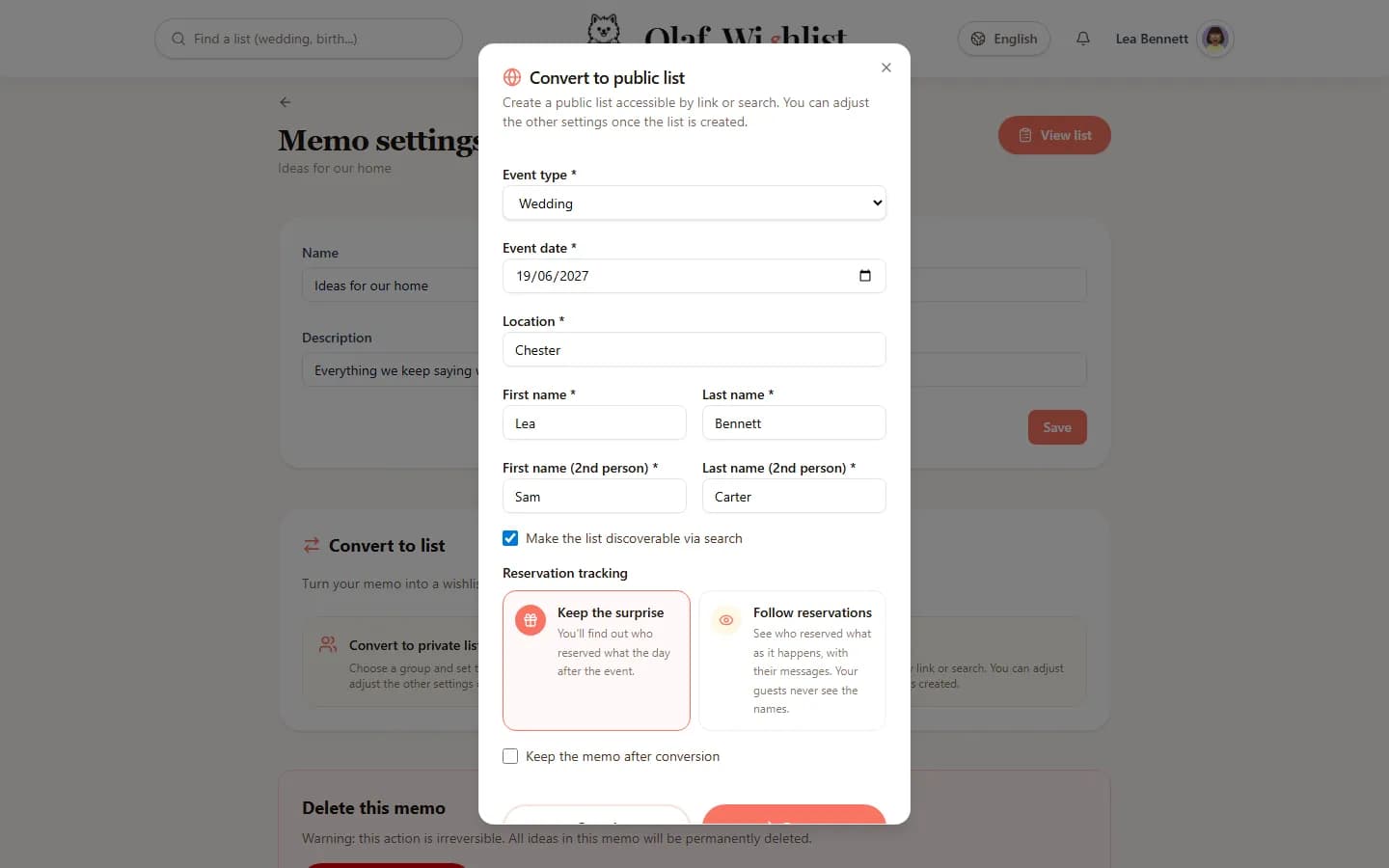
Ever since we moved in together, I had been noting what we wanted for the house in a Memo — a list only I can see. The day we set the date, I didn't copy a thing: I turned that Memo into a public list of the “Wedding” type. Our two names, the date, the town of the ceremony — and all our ideas were already in it.
Find out more: Memo listsPublic lists
Sam at the controls, with me
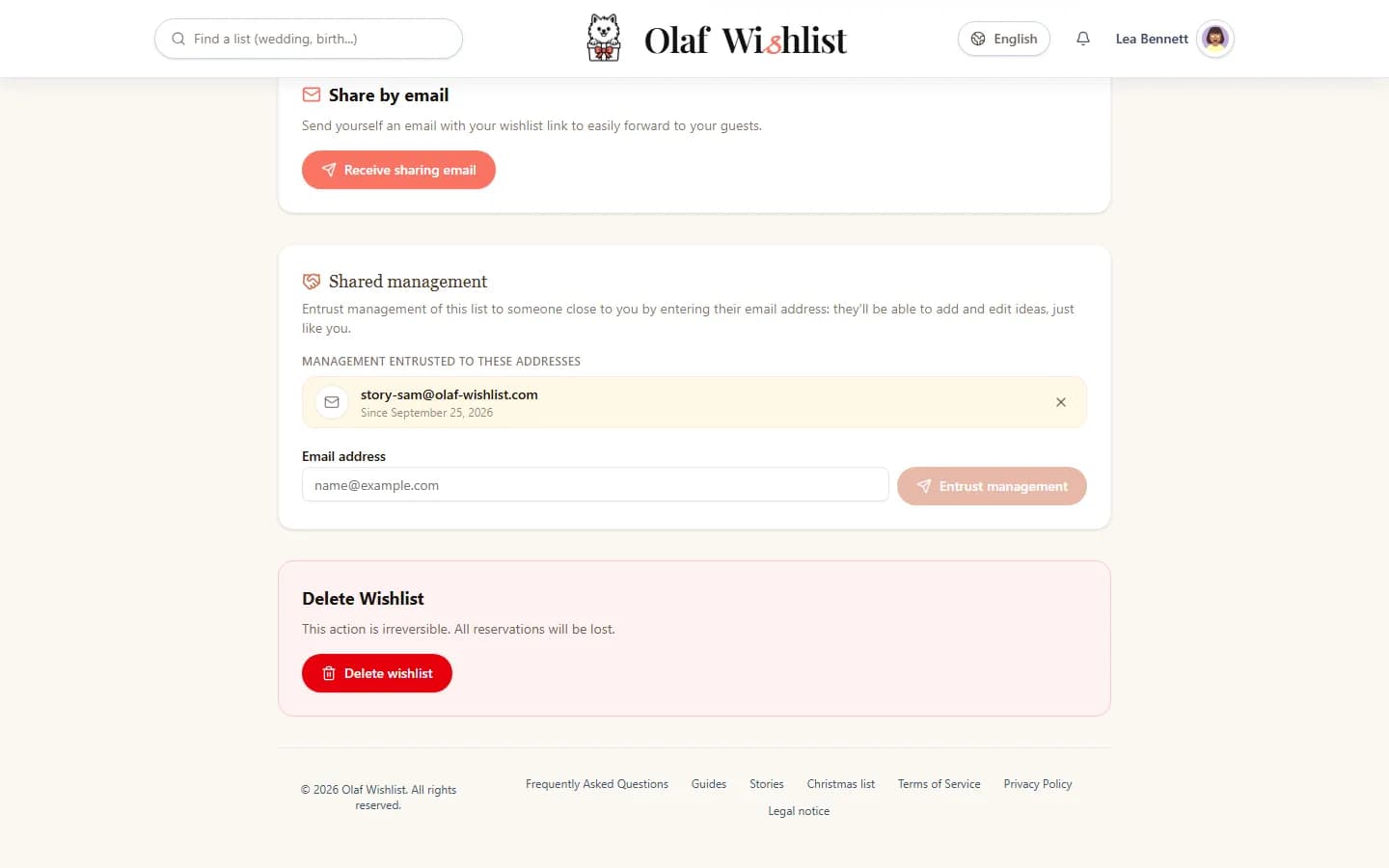
I created the list, but it's our wedding. I handed Sam the management of it just by entering his email address. He didn't have an account yet: the list waited for him, and it showed up on his side as soon as he signed up. Since then he adds his own ideas, tweaks mine, and sees exactly what I see.
Find out more: Public listsSharing & Invitations
Every shop, one list
We didn't want a list locked into a single shop. In the evenings, on my laptop, I added ideas from online shops in one click with the browser extension. Sam shared product pages from his phone. And on Saturday, at the department store, he scanned the barcodes of the tableware we liked instead of opening a list with them: each item landed in our list, name and all.
Find out more: Browser extensionMobile appAutomatic product extraction
Three ideas on top, and a dinner out
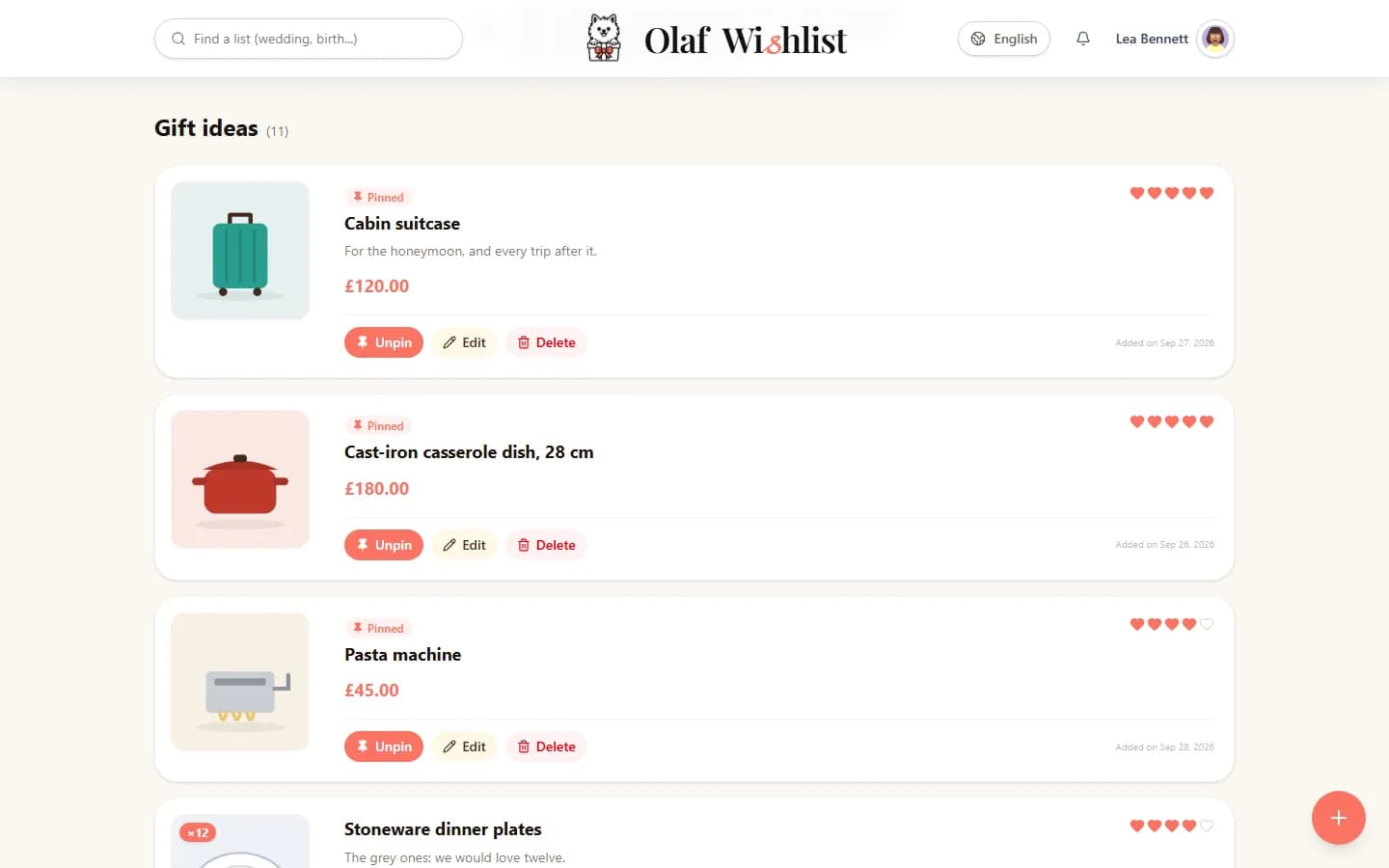
The list soon passed thirty ideas. We pinned the three that mattered most — the cast-iron casserole, the cabin suitcase, the pasta machine — so they stay at the top for everyone, and used hearts to show how much we wanted the rest. Some ideas didn't even have a link: “Dinner out for our first wedding anniversary”. And for the dinner plates, we wanted twelve.
Find out more: Public lists
Keeping the surprise, to start with
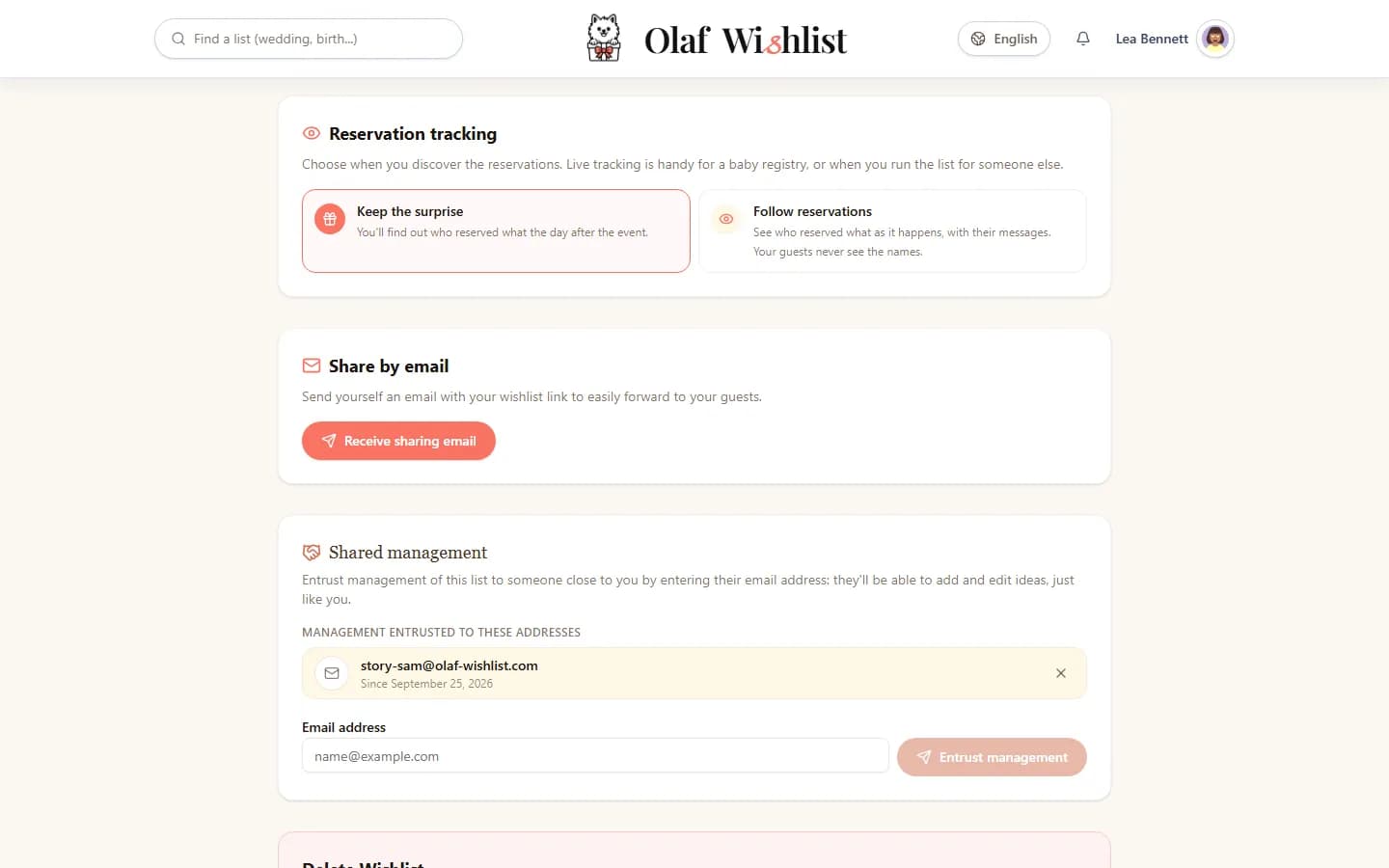
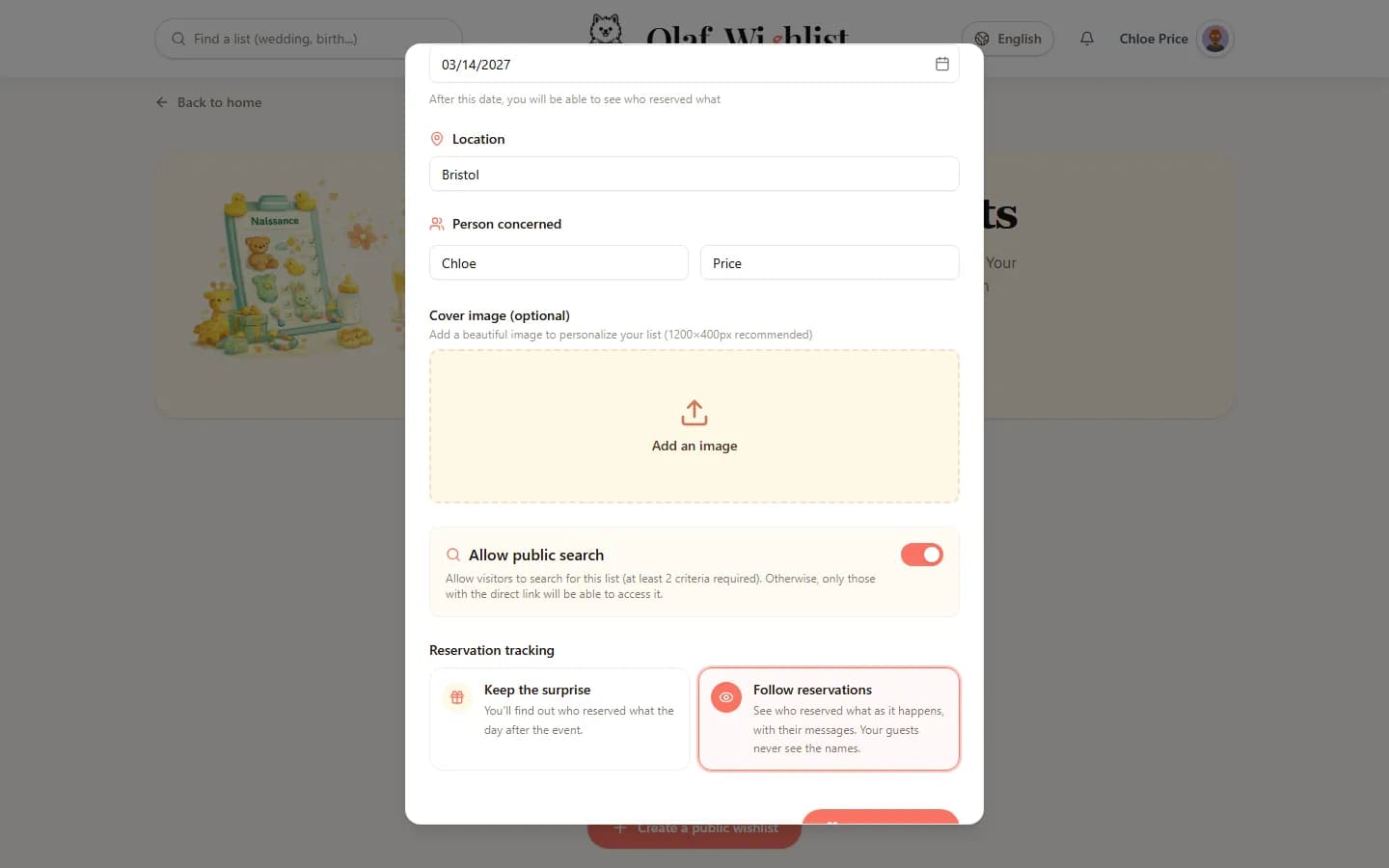
When we created the list, we had to choose: keep the surprise, or follow reservations as they come in. We kept the surprise. Our guests could reserve as much as they liked: Sam and I wouldn't see a thing until the day after the wedding. No names, no messages.
Find out more: Public lists
The link in the invitation
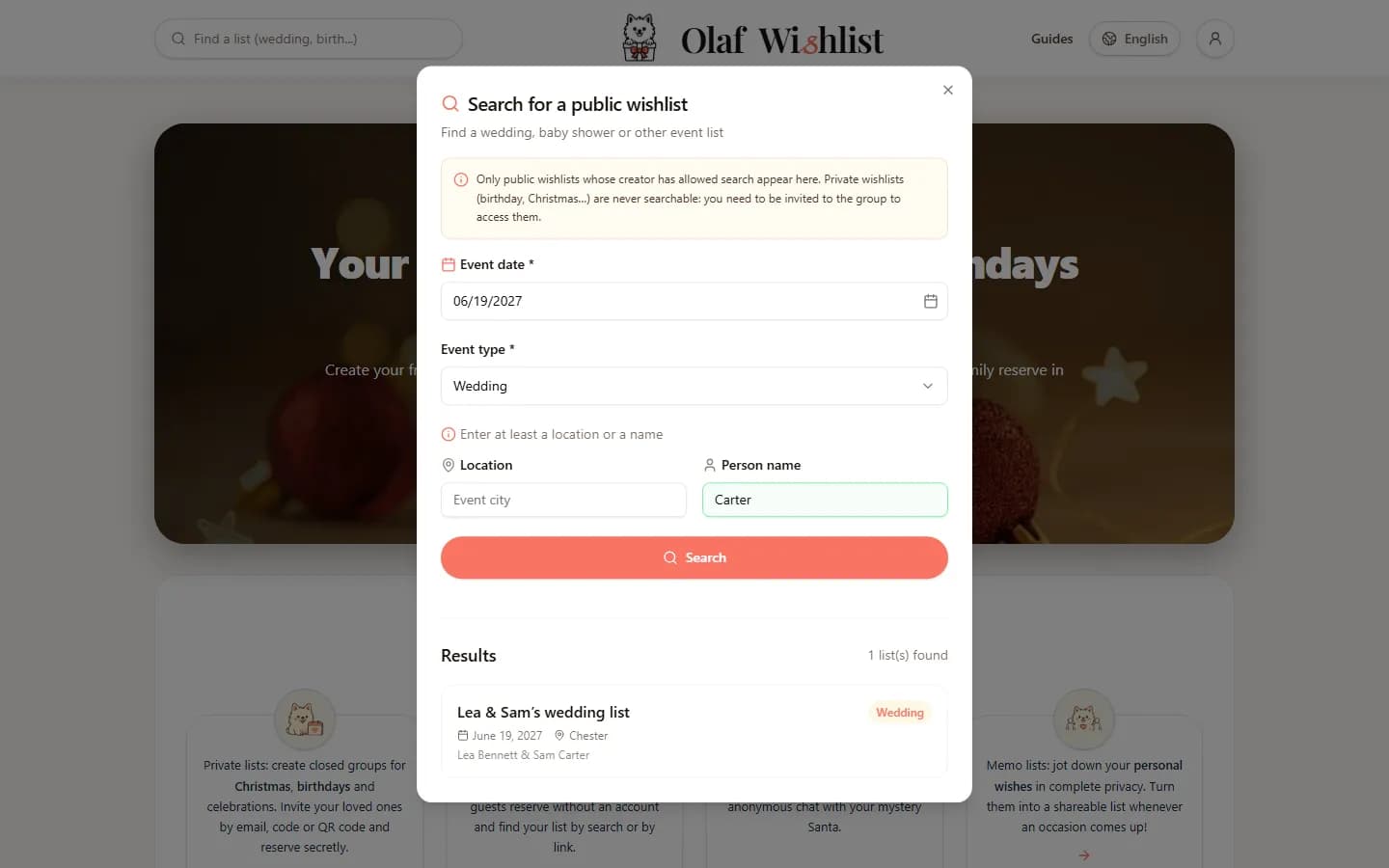
We put the link to the list in the wedding invitation, then sent it from my phone, in two taps, to the guests' group chat. Grandma Edith lost her invitation within a week. She typed the wedding date and Sam's name into the search on the website: our list came up straight away.
Find out more: Public listsSharing & Invitations
Reserving, with or without an account
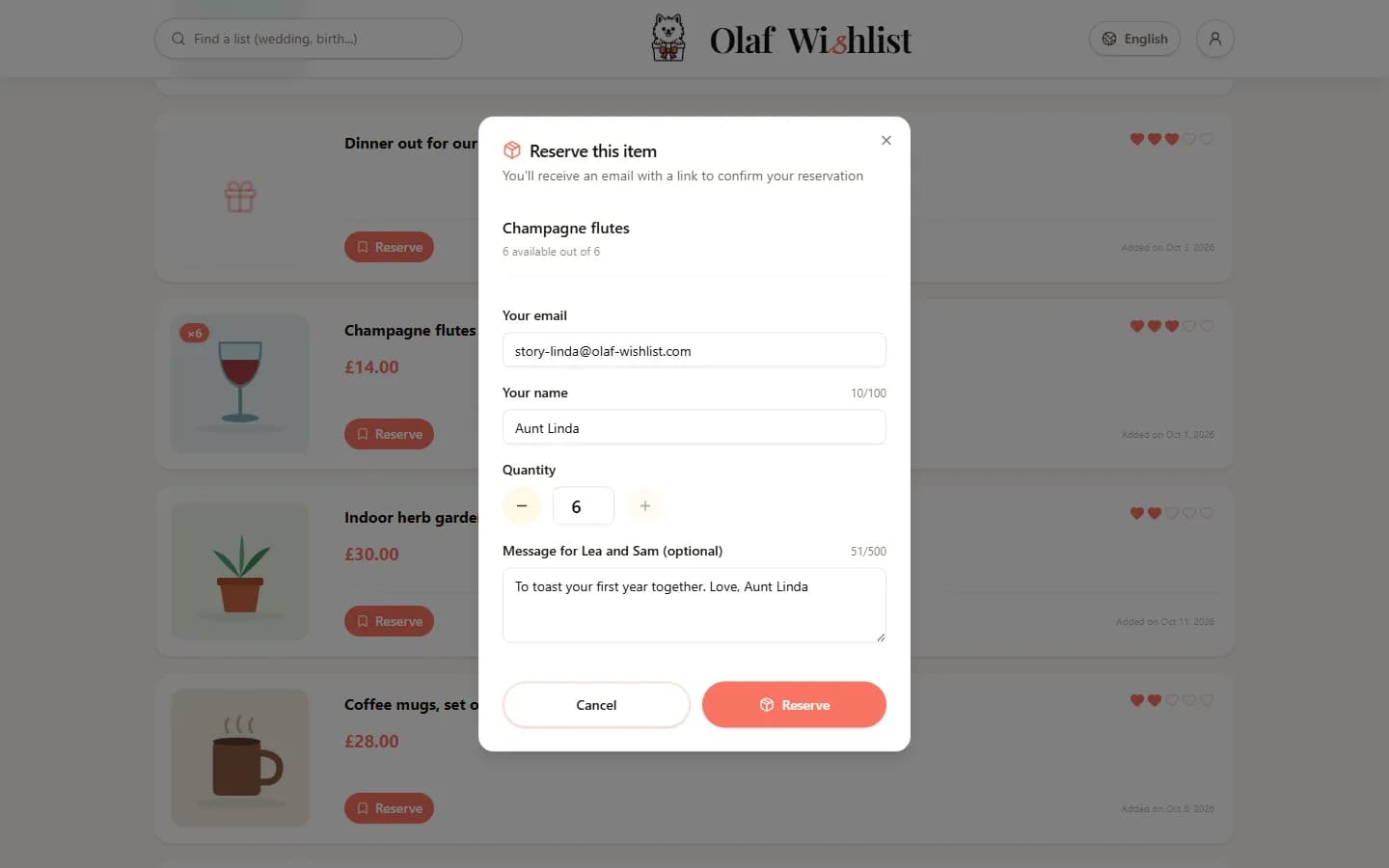
Aunt Linda had no wish to create an account, and she didn't need one: her name, her email address, a few words for us, then one click on the link she received by email to confirm. If she changes her mind, the same email lets her cancel. Ollie, Sam's cousin, already had an account: his reservation went through at once, and he finds it with all his others under “My reservations”.
Find out more: Public listsReservations & Group contributions
Twelve plates, three reservations
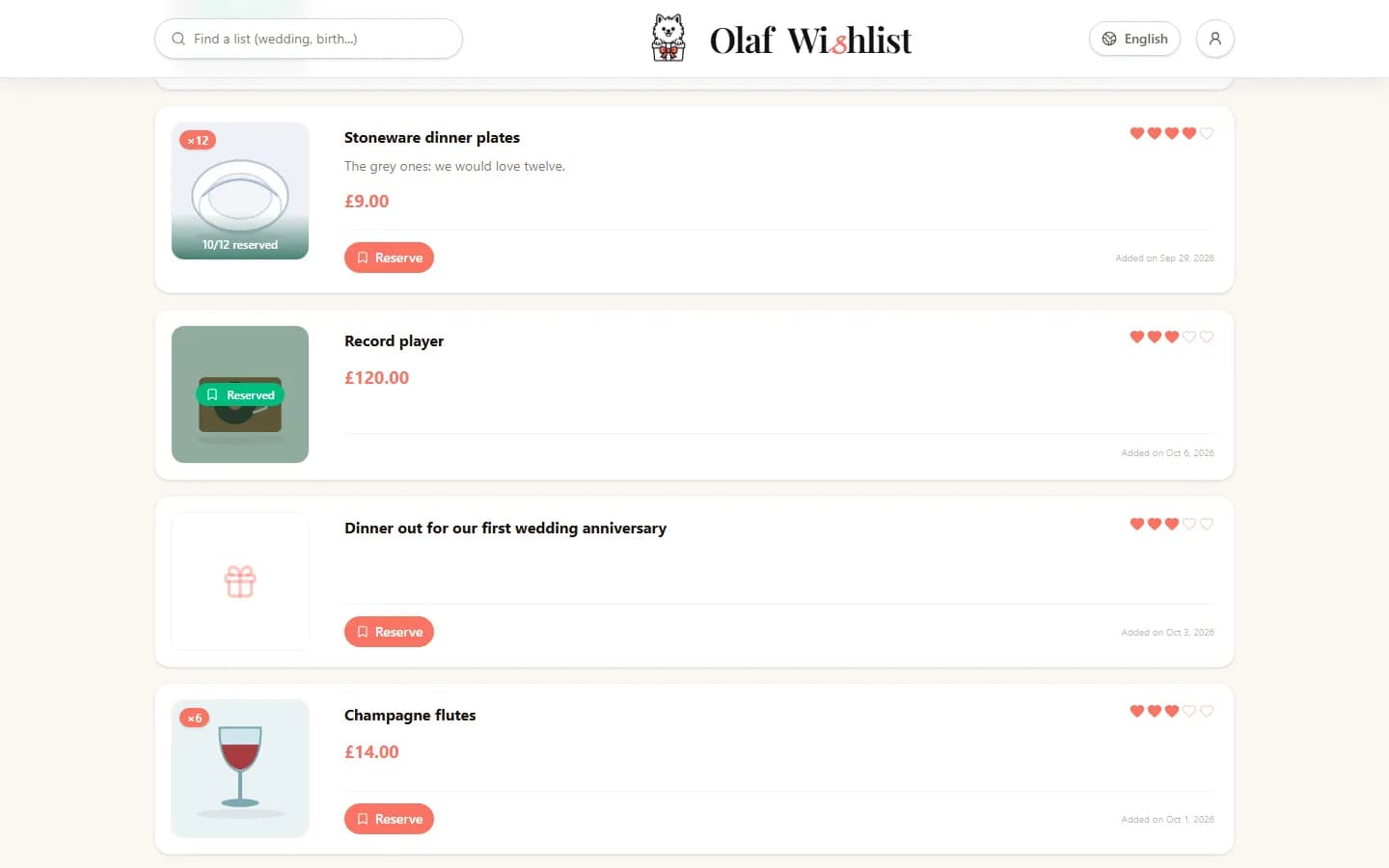
Aunt Linda reserved four plates, and Nadia six on behalf of Sam's colleagues. The guests who came next could see that two were left to give — never who had taken the others: on the list, no guest sees anyone else's name. Ollie took the last two, and nobody turned up with a second full dinner set.
Find out more: Reservations & Group contributions
Three weeks before, we switch to tracking
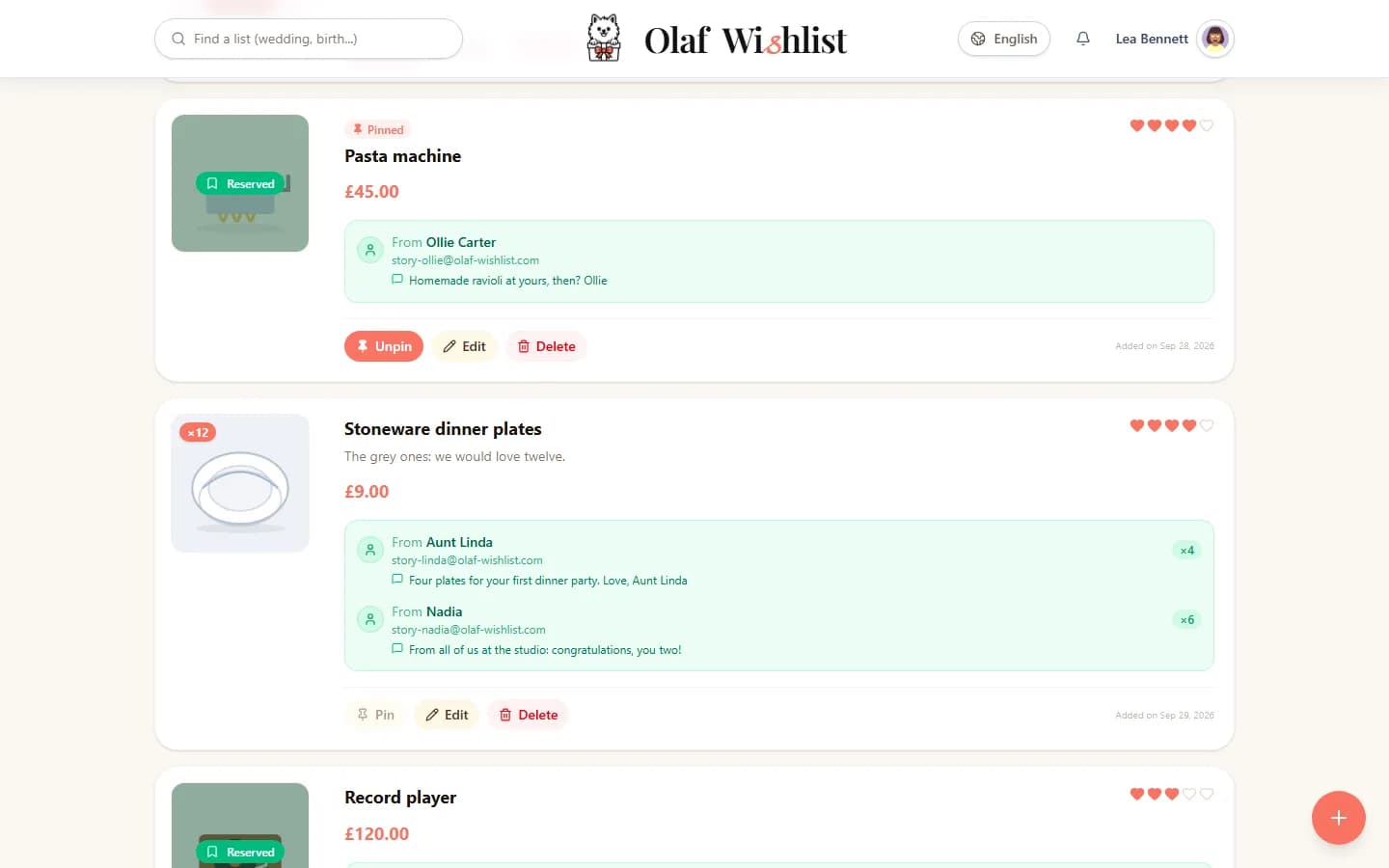
Three weeks before the wedding, the surprise turned into a headache: what was left for us to buy ourselves? We switched to “Follow reservations”. Everything appeared at once, including what had been reserved before: every name, every quantity, every little note.
The reservation form now tells our guests that we can see their reservations; among themselves, guests still never see each other's names. And since I turned on notifications, my phone tells me about every new reservation.
Find out more: Public listsNotifications
The day after: thank-yous
The day after the wedding, the list closed to guests. We kept everything: every name, every address, every message. The thank-you cards practically wrote themselves. Had we stayed with the surprise, that is the morning we would have discovered it all.
Find out more: Dates & Events
A year later, Chloe's baby list
Chloe, my maid of honour, is expecting her first child. She created a baby list, and this time the choice was easy: follow reservations from day one. Before the baby arrives, she wants to know what's still missing, so she can buy it herself.
Find out more: Public lists
One list, two people to run it, about a hundred guests and not a single duplicate. The only real decision was when to find out who had spoiled us.
Create our wedding listThe screenshots on this page show the app in English. Any names, lists and amounts you can see in them are fictional.