

A family Christmas, told step by step
December, a family of four, and an app opened twenty times a week. Here's how it went in our house, in order — from the first account created to the last present unwrapped on Christmas morning. At each step, a guide that goes into more detail.
The family in this story
- Tom, who tells the story
- Emma, his partner
- Jake, their 14-year-old son
- Leo, their 3-year-old son
- Helen, Tom's mum
- Grandma Rose, Tom's grandmother
- Claire, his sister
- Ben, his brother
- Noah, Ben's son
- Aunt Sophie
Our Christmas, chapter by chapter
Four of us, and not everyone has an account
Emma and I set up our accounts in five minutes, and so did Jake, our 14-year-old. Leo, our youngest, is 3, so there's no account for him: I added him as someone I look after. I'm the one who keeps his list — and since he's the one being spoilt, not me, I can see what's been reserved on it and reserve things myself.
Find out more: Family & loved ones management
One group for the family, three ways in
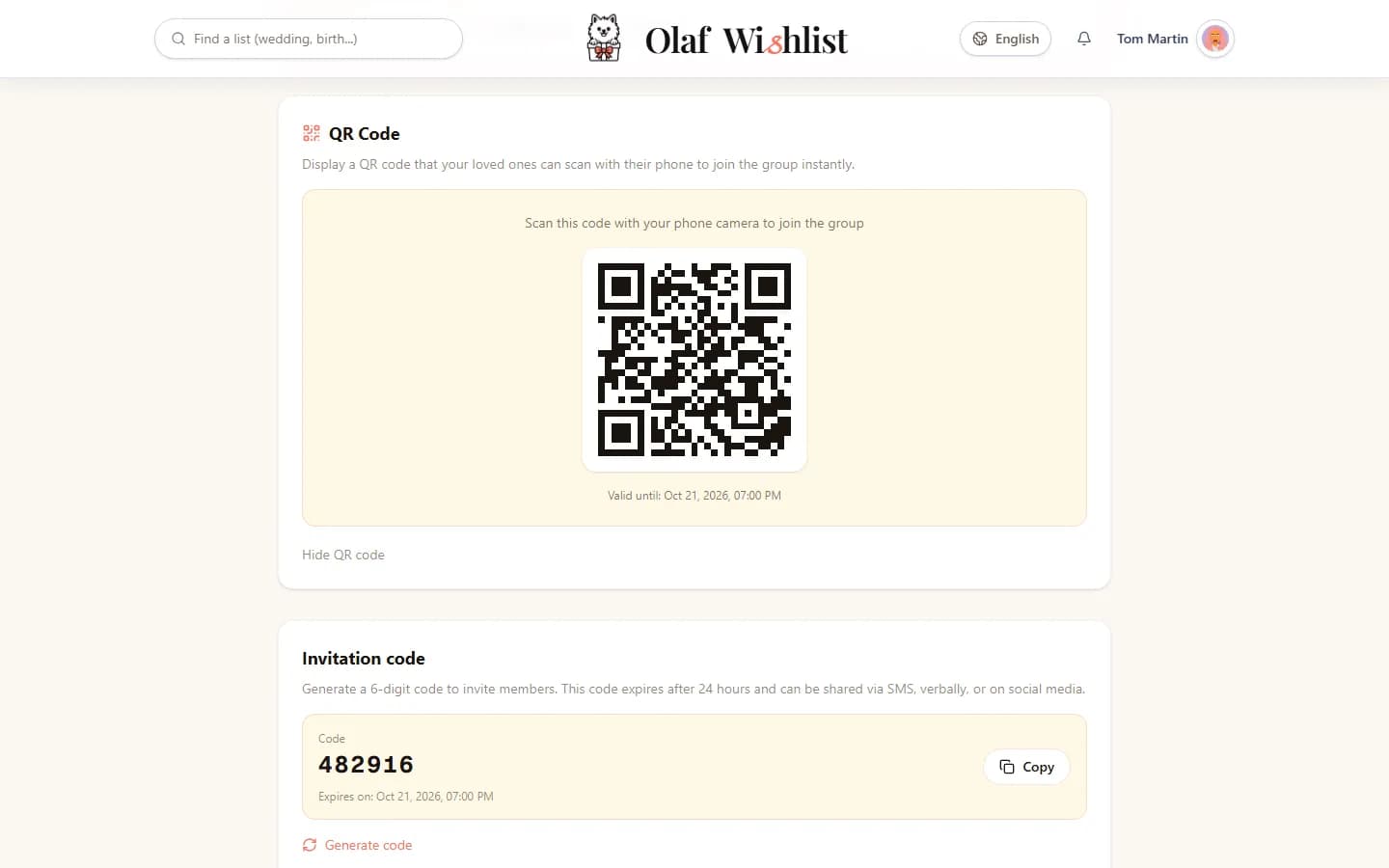
I created a “Family” group. Ben, my brother, was on the sofa next to me, so he scanned the QR code on my screen. My parents and Grandma Rose got a link by message. With Aunt Sophie, it was just a phone call, so I read her a six-digit code. Three different ways in, one single group.
Find out more: Sharing & Invitations
One list each, and two dates that change everything
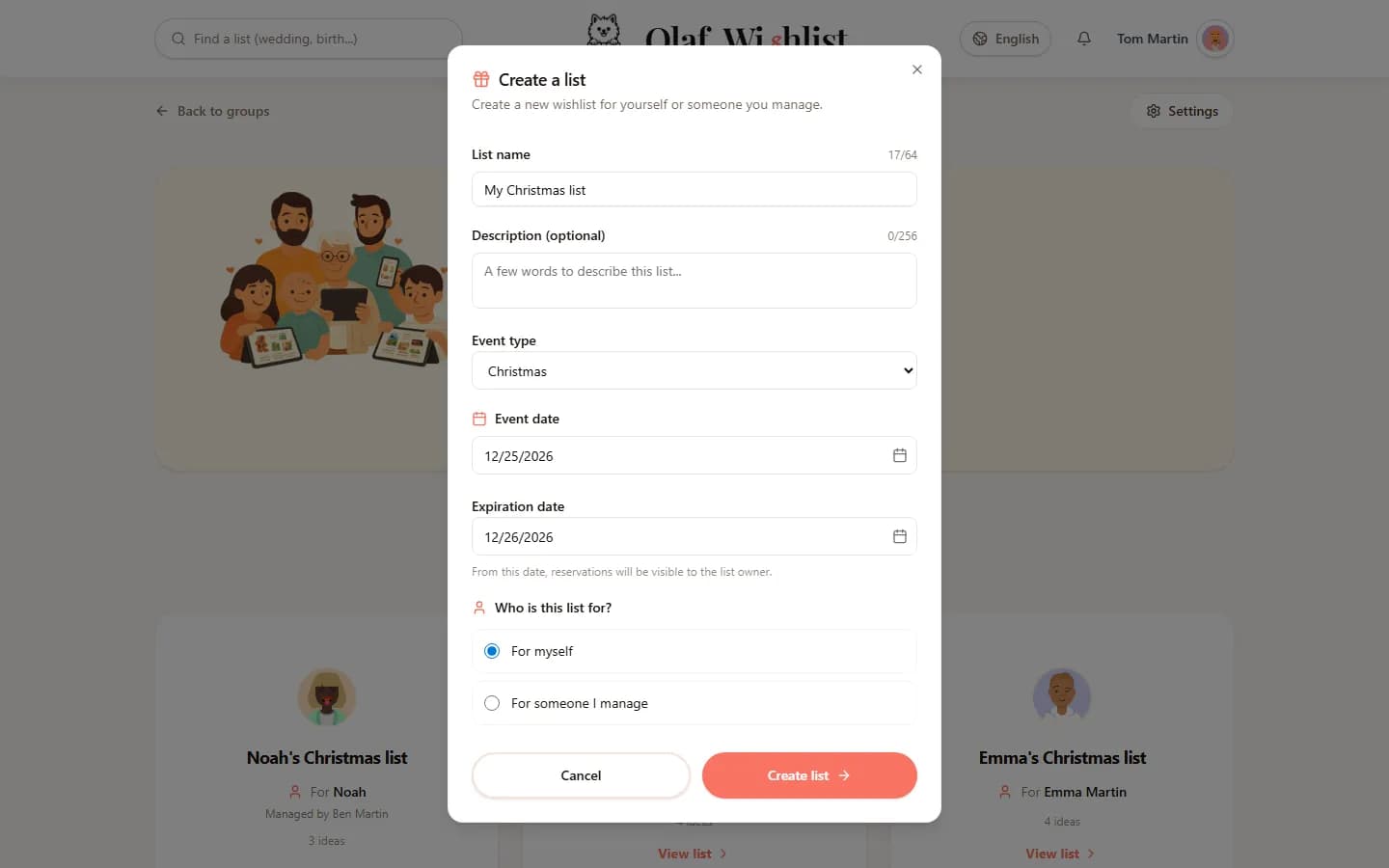
Every list has two dates: the day of the event, and the day I'll find out who gave me what. Until the big day, the others reserve, chat and get organised — and I see none of it until that second date. That's the whole idea: my list is open to everyone, except for anything that would give the surprise away.
Find out more: Dates & Events
Two of us on Leo's list
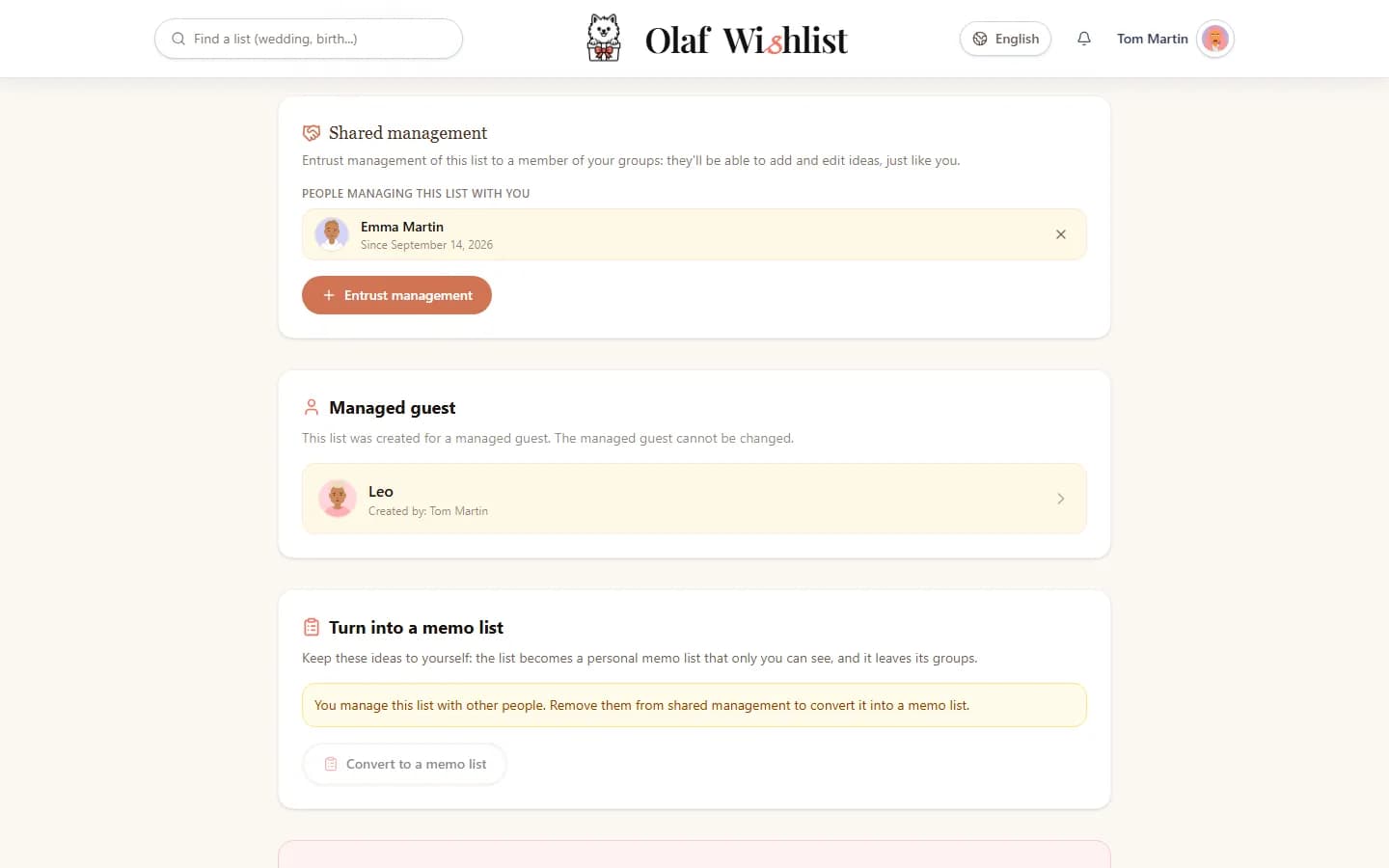
Running a 3-year-old's list on your own soon turns into a guessing game. I shared the running of Leo's list with Emma: she adds her ideas, sees the reservations just as I do, and can reserve things herself. Two people, one list, and the same view of what's already taken.
Find out more: Family & loved ones management
Editor rights, lent for an afternoon
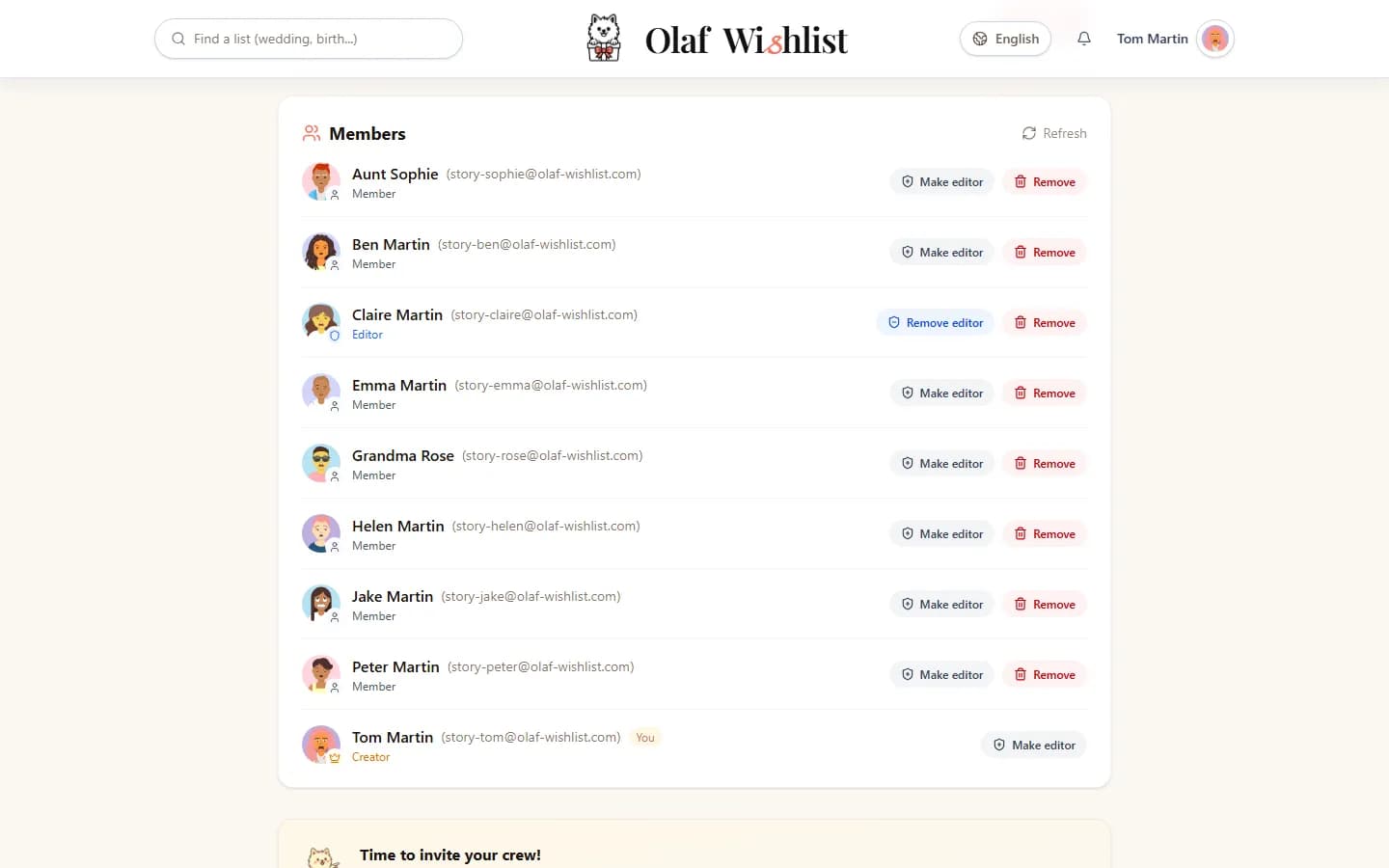
Grandma Rose created her account, opened her list… and stopped after three lines. On the phone, she gave me ten times as many ideas. Claire, my sister, pops in on Wednesdays, so I made her an editor of the group, and the two of them filled in the list side by side — the exact title of the novel, the brand of tea, the size of the gloves.
These rights don't come in pieces: they cover every list in the group, not just Grandma Rose's. You leave them with whoever helps organise things, or you lend them and take them back when it's just a helping hand. And they stop where her own list begins: editor or not, Claire still can't see anything we reserve for her.
Find out more: Family & loved ones management
The in-laws see the children's lists, not ours
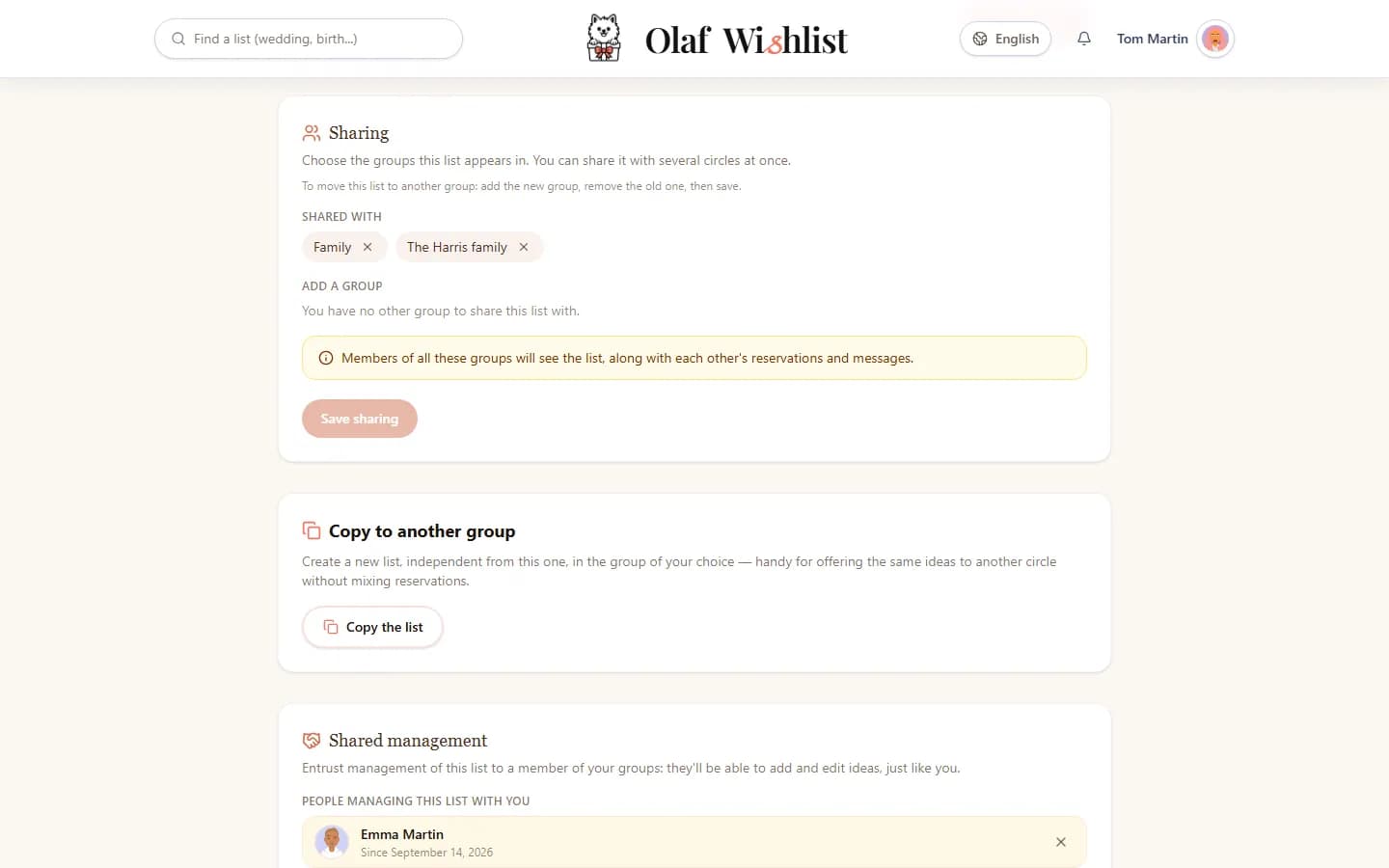
Emma's parents have their own group, and they invited us to join. I shared Leo's list there, and Jake shared his. So the same list lives in both groups: on each side, everyone can see what's already taken, without names passing from one family to the other. No more duplicates between the two families. Our own lists, meanwhile, stay on our side.
Find out more: Private lists
The toy shop, the barcode and the camera
Saturday, in the toy aisle. Leo points, I scan: the toy lands on his list, name and picture included. Two boxes no longer had a readable barcode — so I took a photo of each, and the idea filled itself in almost on its own.
Find out more: Mobile appAutomatic product extraction
Same scan, the other way round
Two aisles along, I come across the game my nephew Noah had put on his list. I scan it: the app recognises it on his list and offers to reserve it for me. Done before I even reached the till — nobody else will buy it now.
Find out more: Mobile appReservations & Group contributions
“Some fun pyjamas”, and five hearts on something else
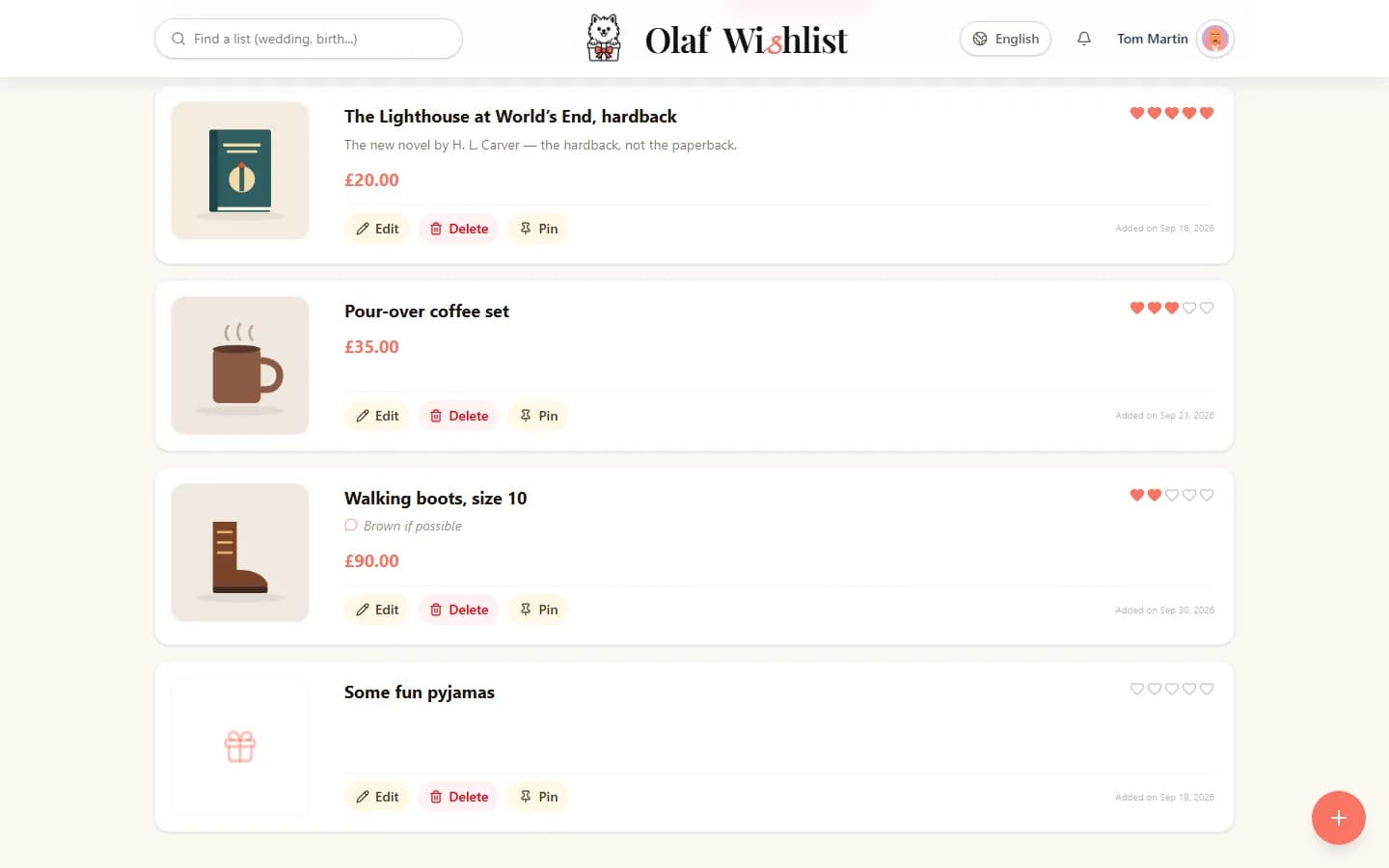
On my own list, I don't always have anything specific in mind, and that's fine: “some fun pyjamas”, nothing more — over to them. But I gave five hearts to the novel I'd really been waiting for. That way, nobody can get it wrong about what would make me happiest.
Find out more: Private lists
Jake on his phone, Emma on her computer
Jake browses on his phone: when he finds something, he shares the product page to the app, and the idea is created. Emma works on a computer: she installed the browser extension and adds things in one click straight from the shop's website, without leaving the page.
Find out more: Mobile appBrowser extension
Mum knew before I did
Mum had switched on alerts on her phone: the second Jake added his idea, she knew. I hadn't switched anything on at all — and yet, when I opened the app that evening, the little counter on my notification centre was waiting for me, with everything I'd missed. Alerts are up to you; the notification centre fills up either way.
Find out more: Notifications
Three ideas bumped to the top
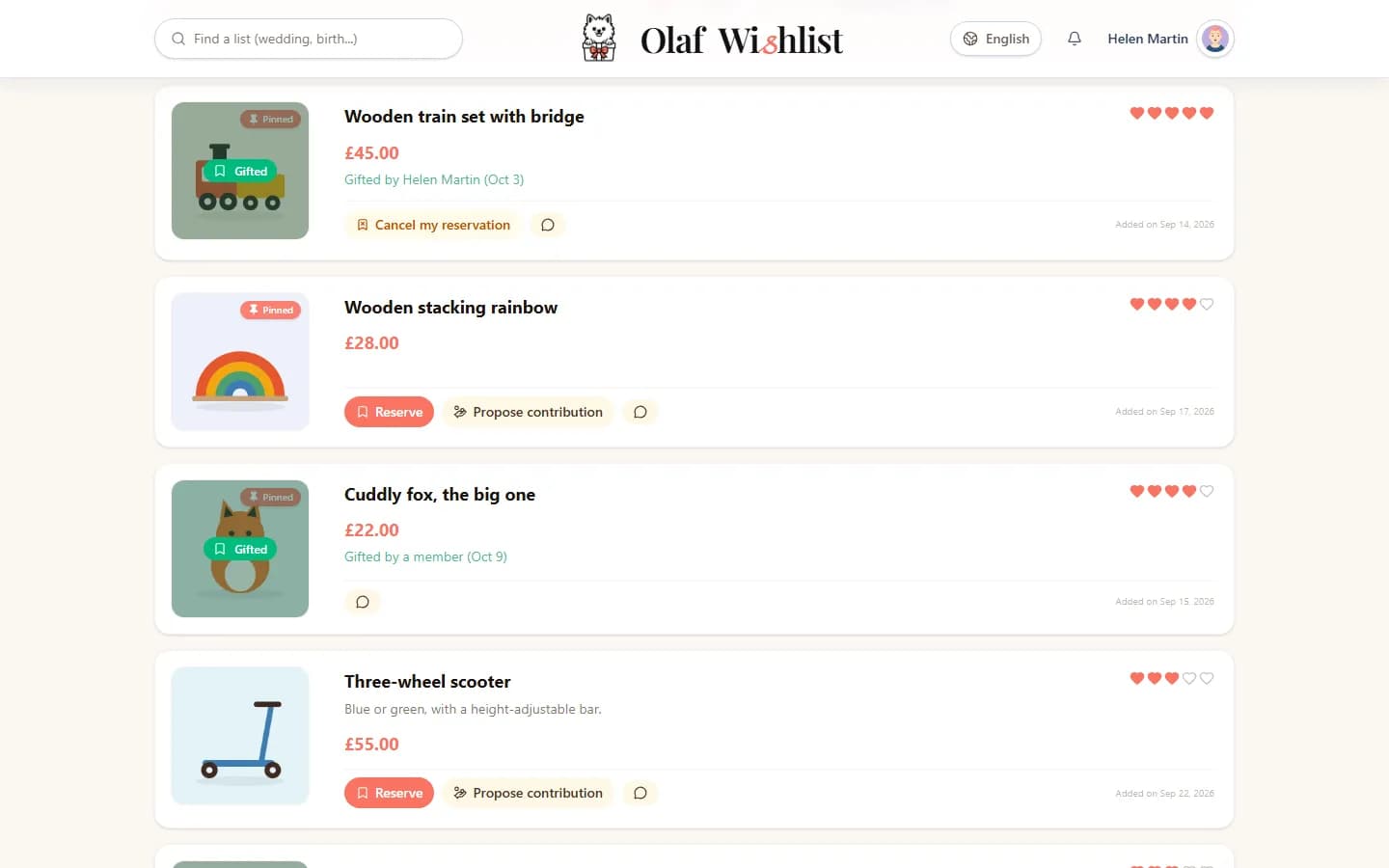
Leo's list was getting dangerously long. Emma, who runs it with me, pinned the three ideas nobody should miss: they stay at the top of the list for everyone. Three at most — that's what makes them useful.
Find out more: Private lists
Six glasses, three people
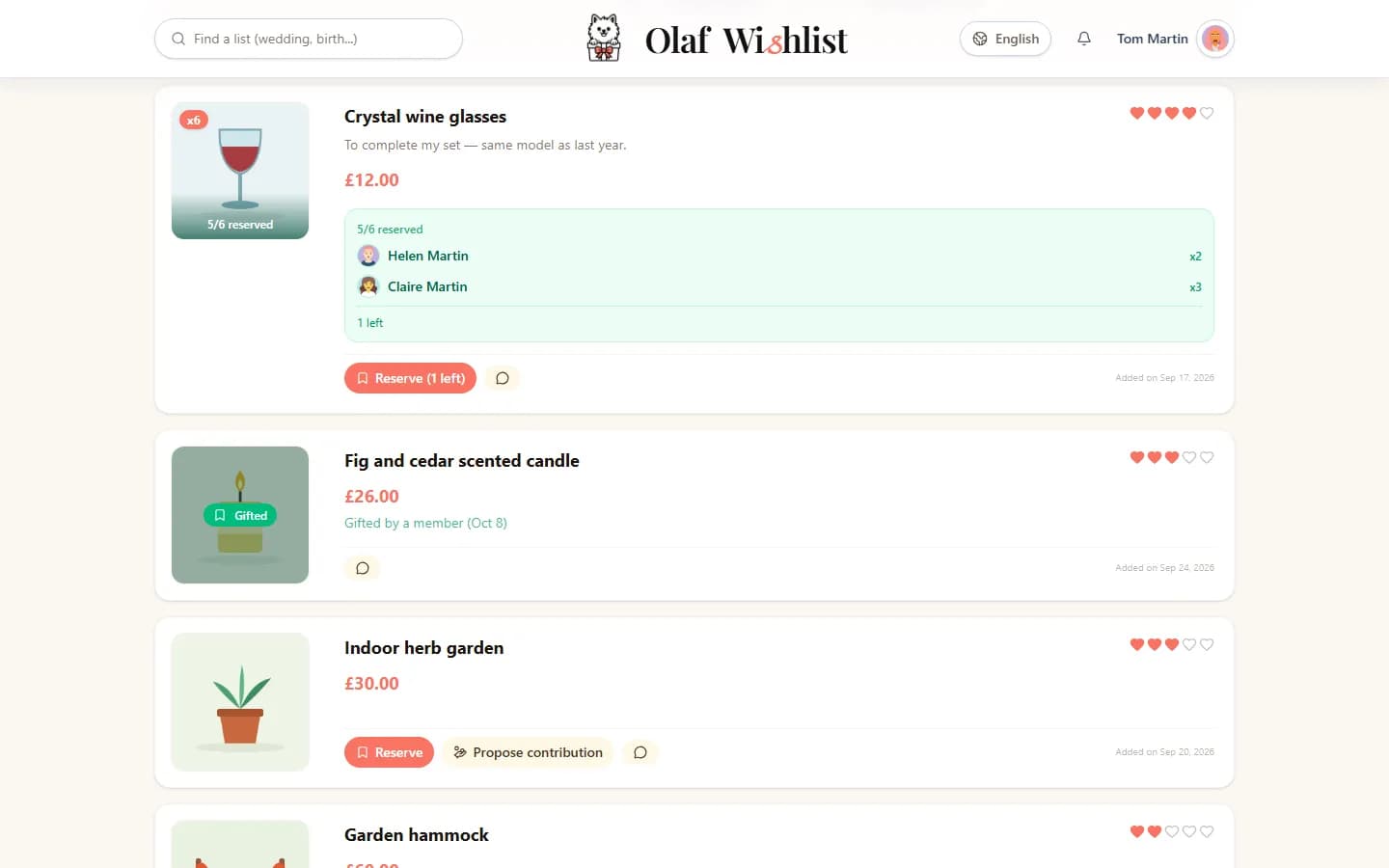
Emma wanted to complete her set, so she asked for six glasses. Mum reserved two, Claire three, and I took the last one. Everyone could see how many were left — nobody turned up with all six.
Find out more: Reservations & Group contributions
“Who's in?”
The headphones Jake wanted cost well over what we'd usually spend. Ben suggested we go in on them together: he entered his share, then opened the chat on the idea itself, out of sight of the person receiving them: “I'll put in £50 — who'll chip in the rest?” Two replies later, everyone had added theirs. He closed it, and the headphones were marked as reserved: just once, a gift from several of us.
Find out more: Real-time collaborationReservations & Group contributions
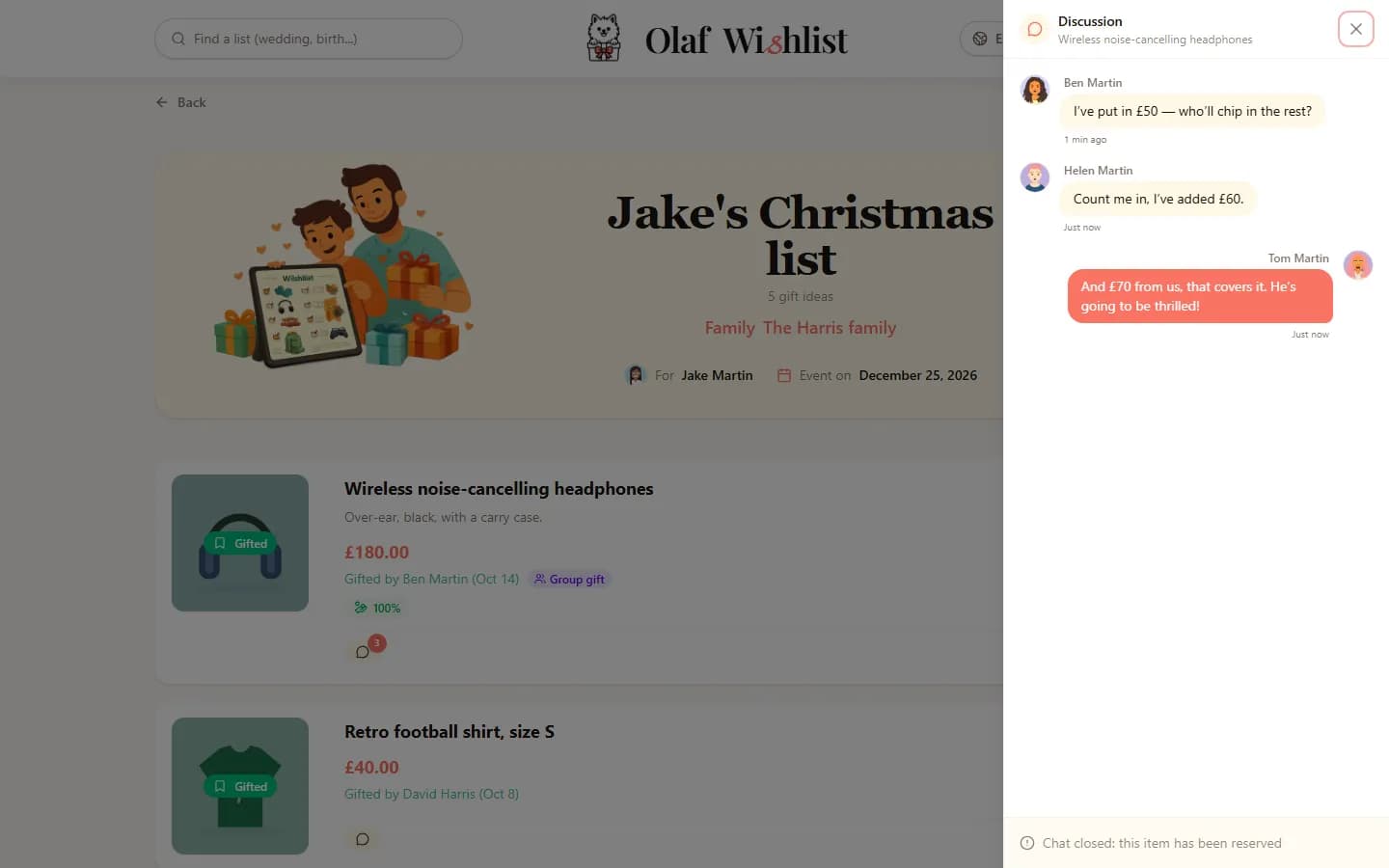
The badge that changed before my eyes
One evening, I was looking at Claire's list when the “Gifted” badge appeared on one of the ideas, right before my eyes, without me touching a thing. Someone at the other end of the country had just taken it.
Find out more: Real-time collaboration
The bike that wasn't on anyone's list
I'd known since the summer that I'd be giving my nephew Noah a bike, and it wasn't on any list. I simply announced it to the others: they can see it's taken, and he hasn't a clue. Two identical bikes under the tree is not a mistake you can put right.
Find out more: Off-list gifts
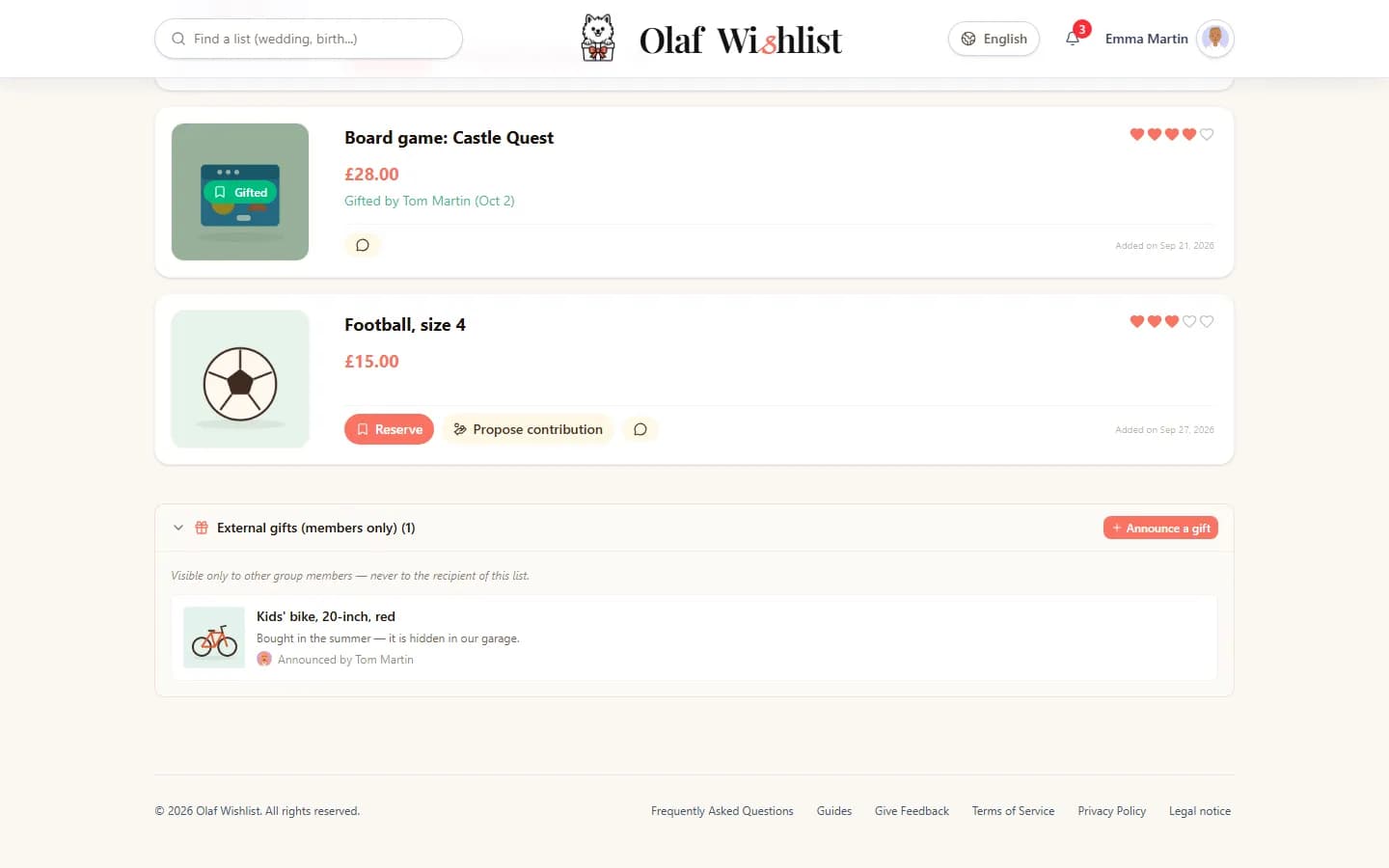
Taking stock before the shopping
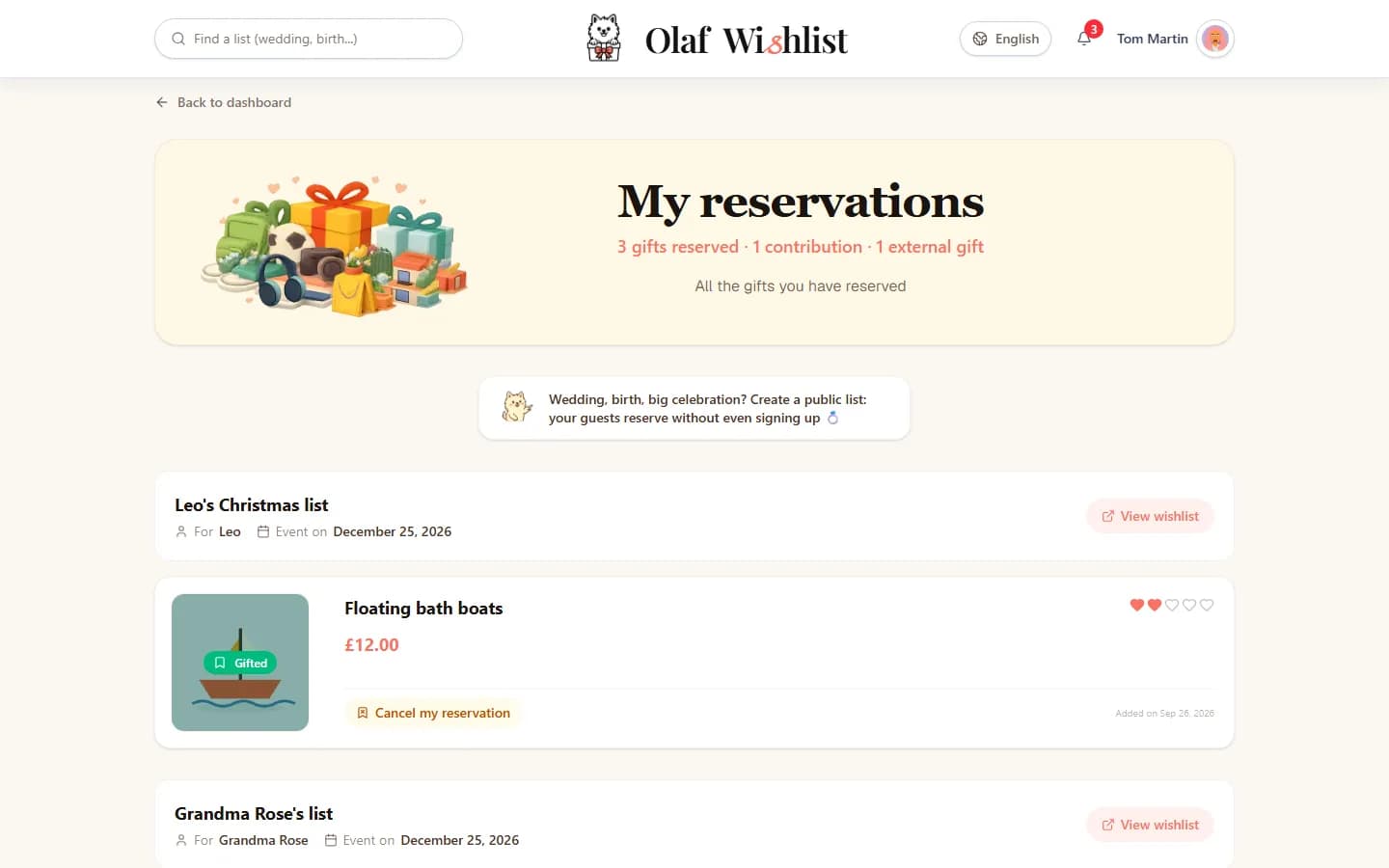
In mid-December, a single screen told me where I stood: what I'd reserved, my share of the headphones, and the bike I'd announced. No more scribbled list at the bottom of my pocket.
Find out more: Reservations & Group contributions
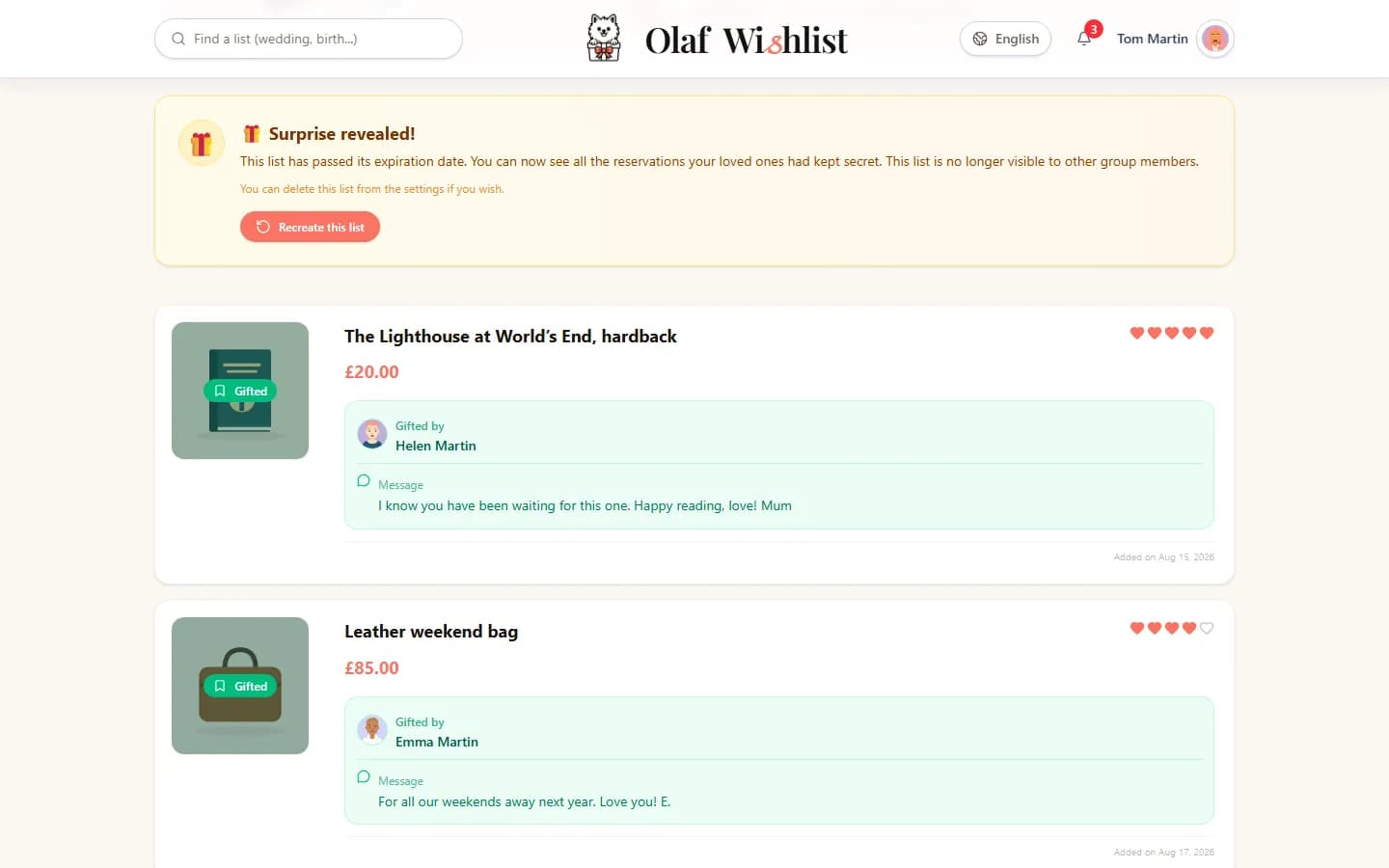
The morning after
On the date I'd picked, Boxing Day, my list opened up. I could see who had given me what — and, above all, the little notes they'd left when reserving. That's the page I read twice.
Find out more: Dates & Events
And for next year
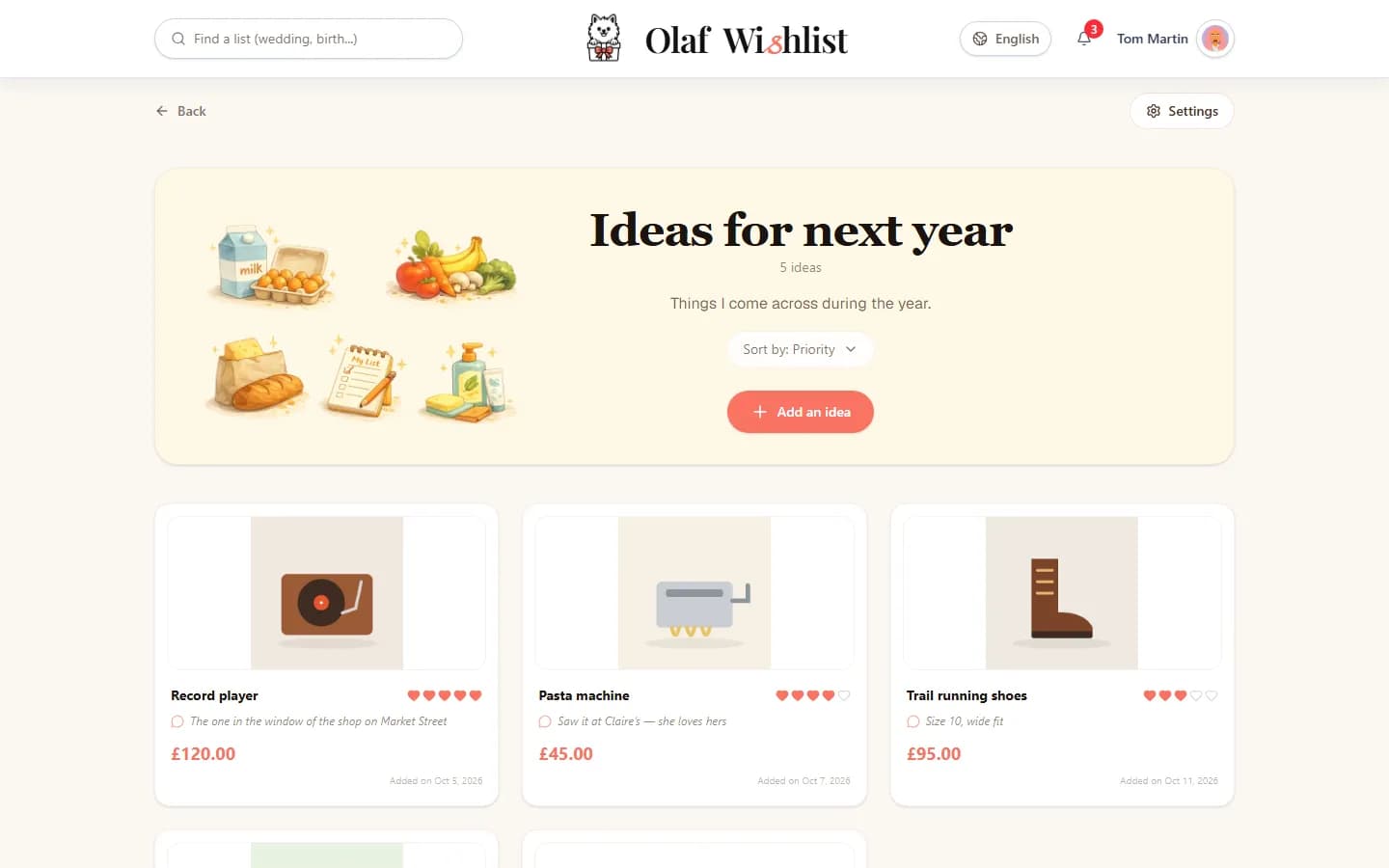
On 2 January, I created a Memo list: a list only I can see. I jot down ideas there as they come to me throughout the year, without showing them to anyone. Next November, all I'll have to do is move them over to my real list.
Find out more: Memo lists
None of this took any special organising. Just a few lists, a group or two, and the certainty that nobody would unwrap the same present twice.
Create my first listThe screenshots on this page show the app in English. Any names, lists and amounts you can see in them are fictional.