
Your online Christmas list, shared with the family
Make your Christmas list in minutes, invite your family and let them reserve in secret. No more duplicate presents, and the surprise stays intact.
Create my Christmas listChristmas gifts, the family puzzle
Duplicate presents
Two uncles, the same Lego set.
Spoilt surprises
All the calls to coordinate, and the person ends up knowing.
Kids without a phone
Their list travels by text, copied out and soon out of date.
Your Christmas list in 3 steps
- 1
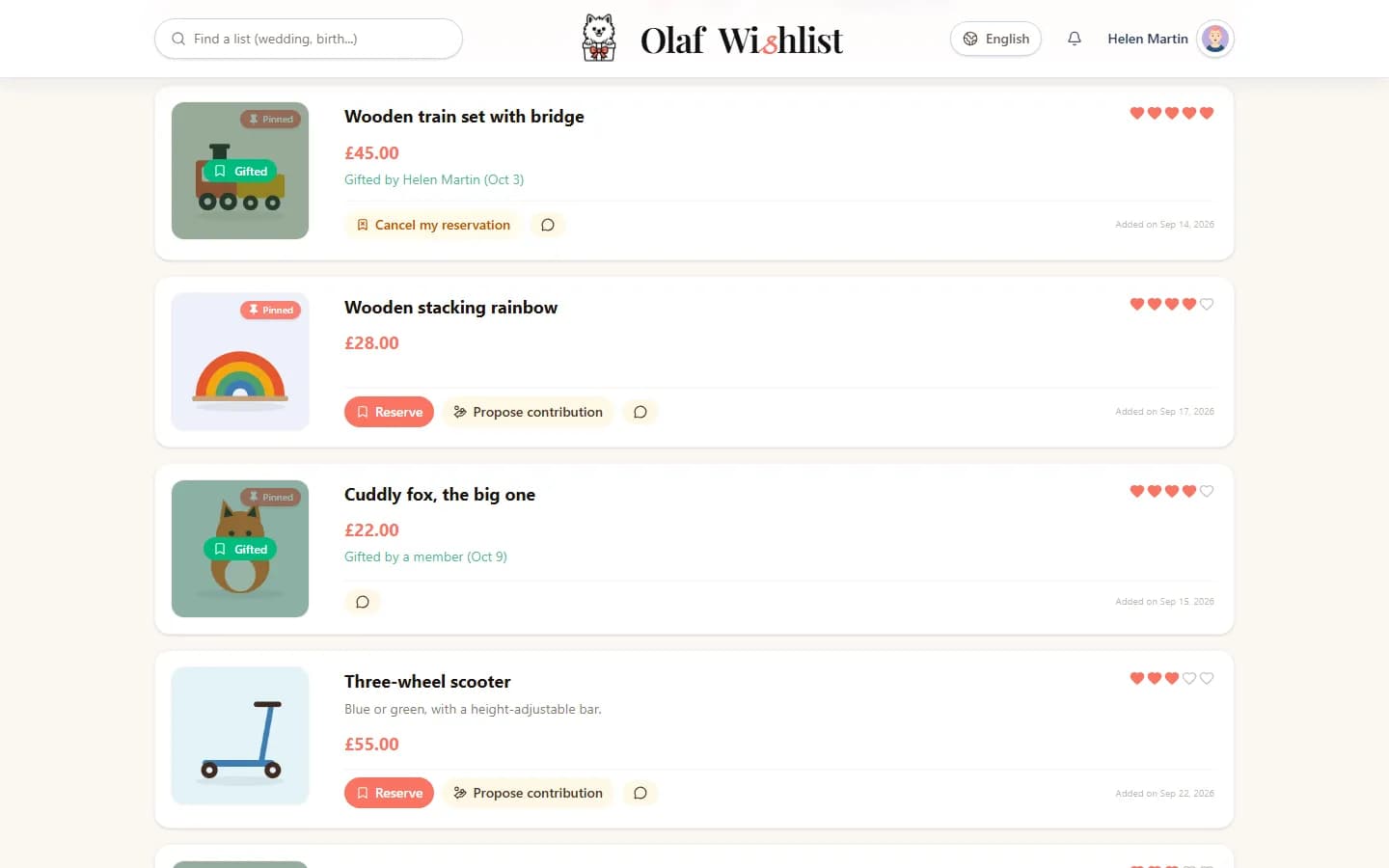
Create your list
Spotted a present online? Share it to the Olaf app from your phone, or add it in one click with the extension on your computer: the title, price and photo fill themselves in.
- 2
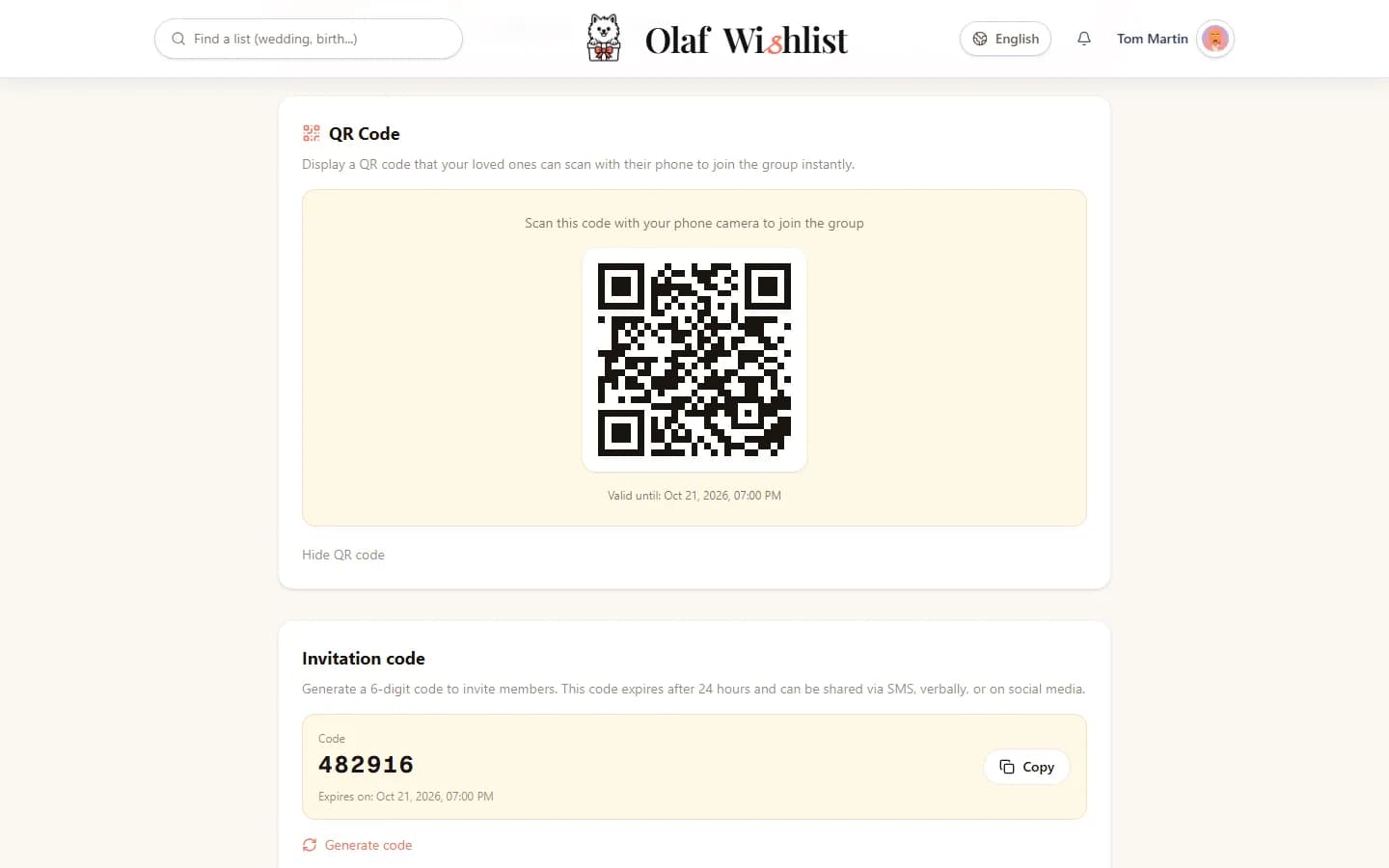
Invite the family
Share a link, a code or a QR code: the list stays in a private group.
- 3
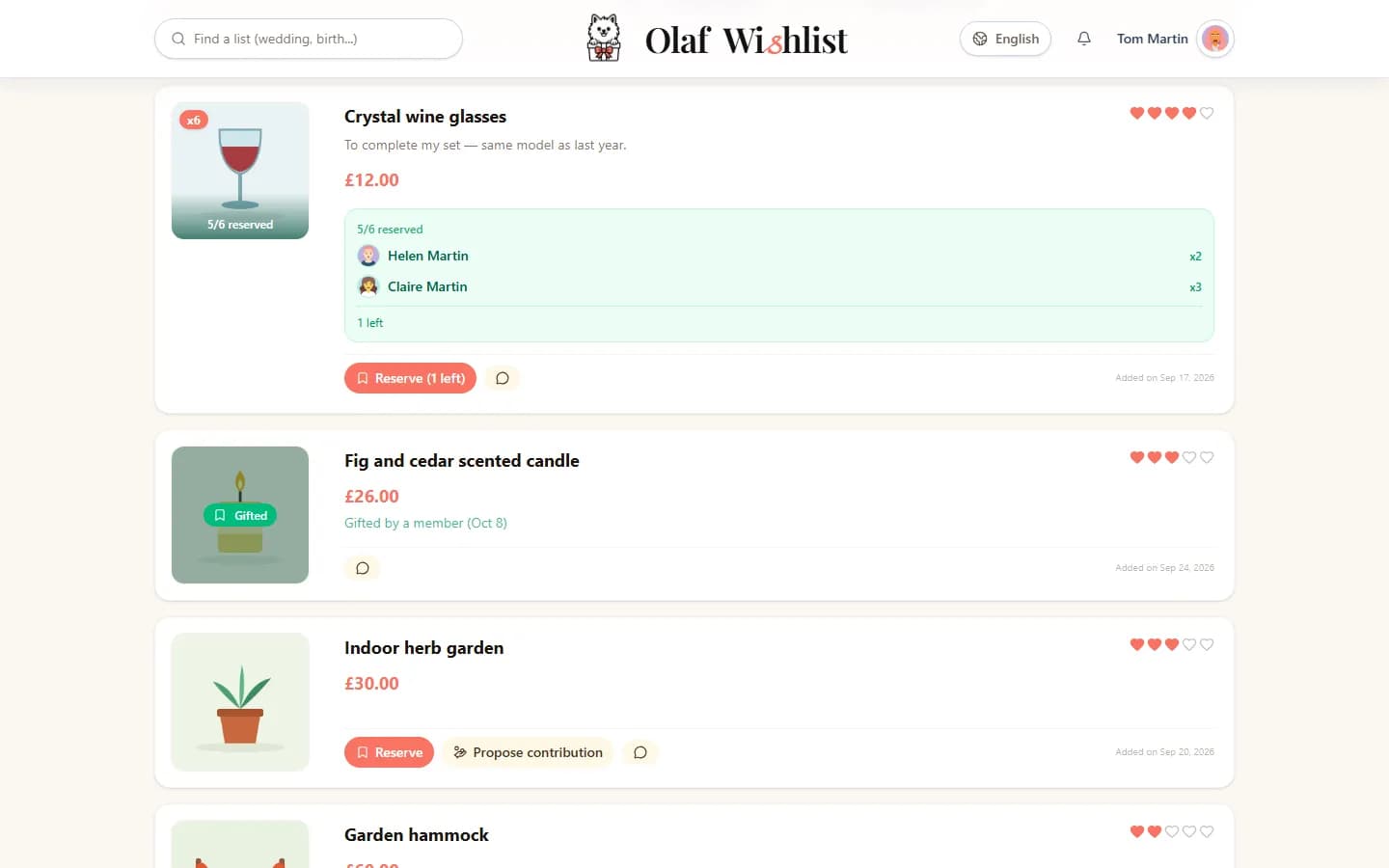
Everyone reserves in secret
Your family sees what's already taken, you don't. You find out who gave what after Christmas, on the date you set.
A Christmas list for the kids
A child needs no account and no phone: a parent keeps their list and can run it together with the other parent. Parents see what's reserved, so the family stays on the same page.
Read the guide to family lists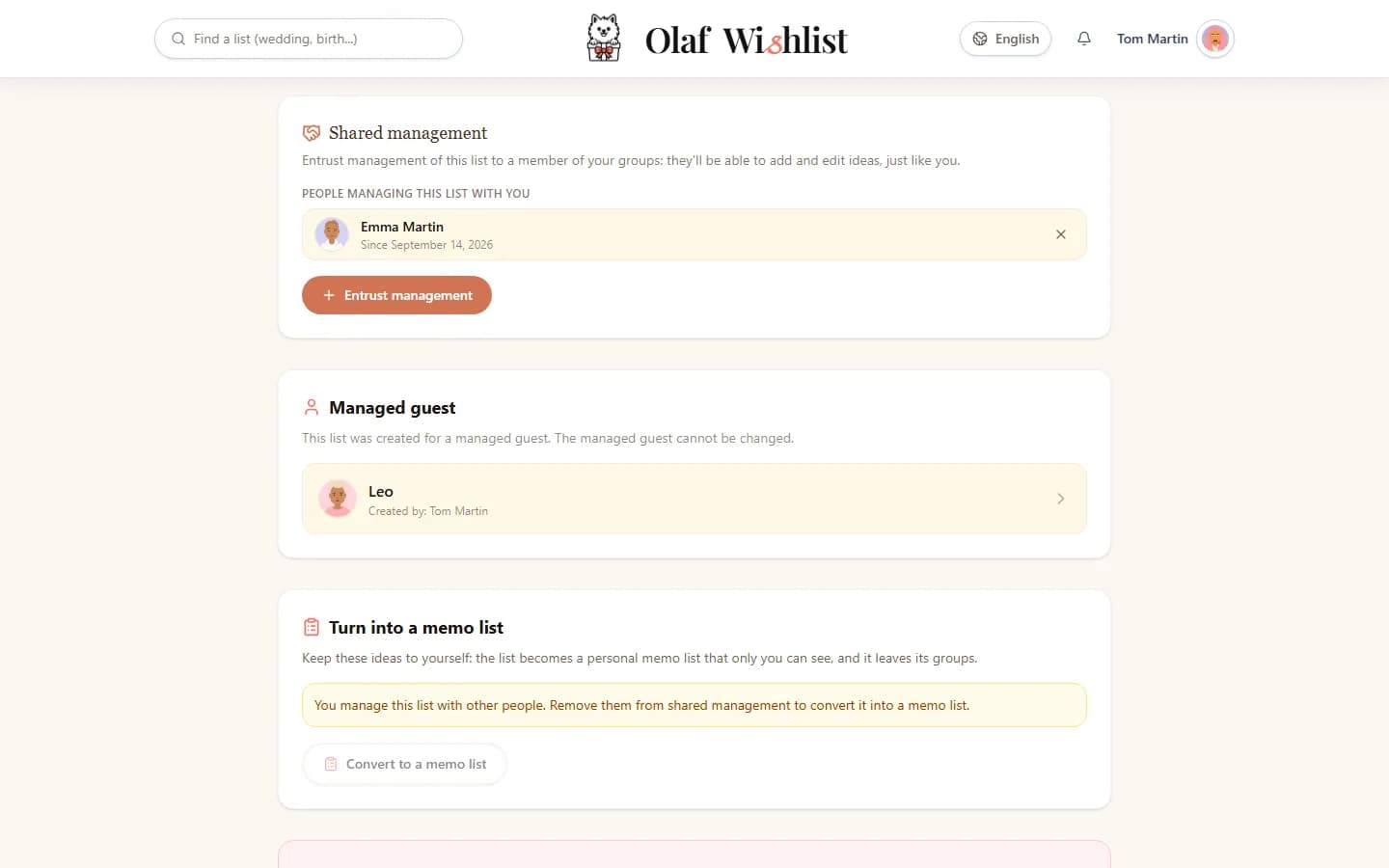
A big present? Give it together
Start a group contribution on an idea from the list: everyone enters their share, and the present shows as taken for all. No money goes through Olaf, everyone pays the usual way.
Read the guide to reservations and contributions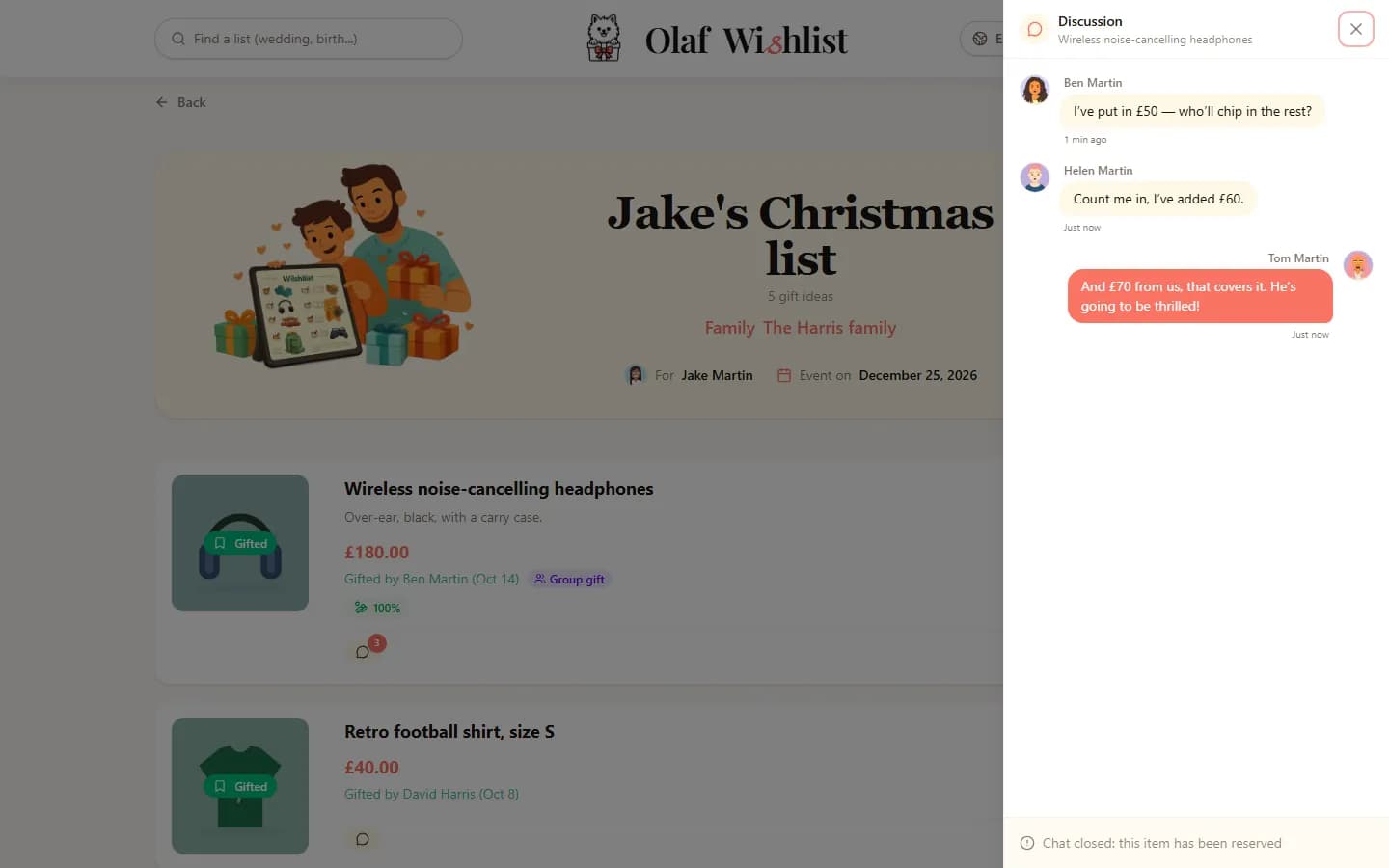
The screenshots on this page show the app in English. Any names, lists and amounts you can see in them are fictional.
Your questions about the Christmas list
Everything you need to know, in five questions.
Is it really free?
Yes, on the web and on mobile: no subscription and no ads.
Does my family need an account?
Yes, a free one, so the list and the reservations stay between you.
Can I see who reserved my presents?
No, not before the date you set, after Christmas. Until then, only your family sees what's taken.
Can I add a present from any shop?
Yes. On your phone, share the product page to the Olaf app; on a computer, add it with the extension. In a shop, scan its barcode. You can also paste its link.
What about a present that isn't on the list?
Announce it to the family as an off-list gift: the others see it, the person receiving it doesn't.
See a full example: a family Christmas, told step by step
Your Christmas list is ready in five minutes.
Create my Christmas list